
kintone × ERPNext Combined Guide — The Best Combination for Making the Most of Your Data
Continue using kintone while integrating inventory, accounting, and manufacturing management with ERPNext. This article clearly explains three patterns for using kintone + ERPNext together and compares their costs.
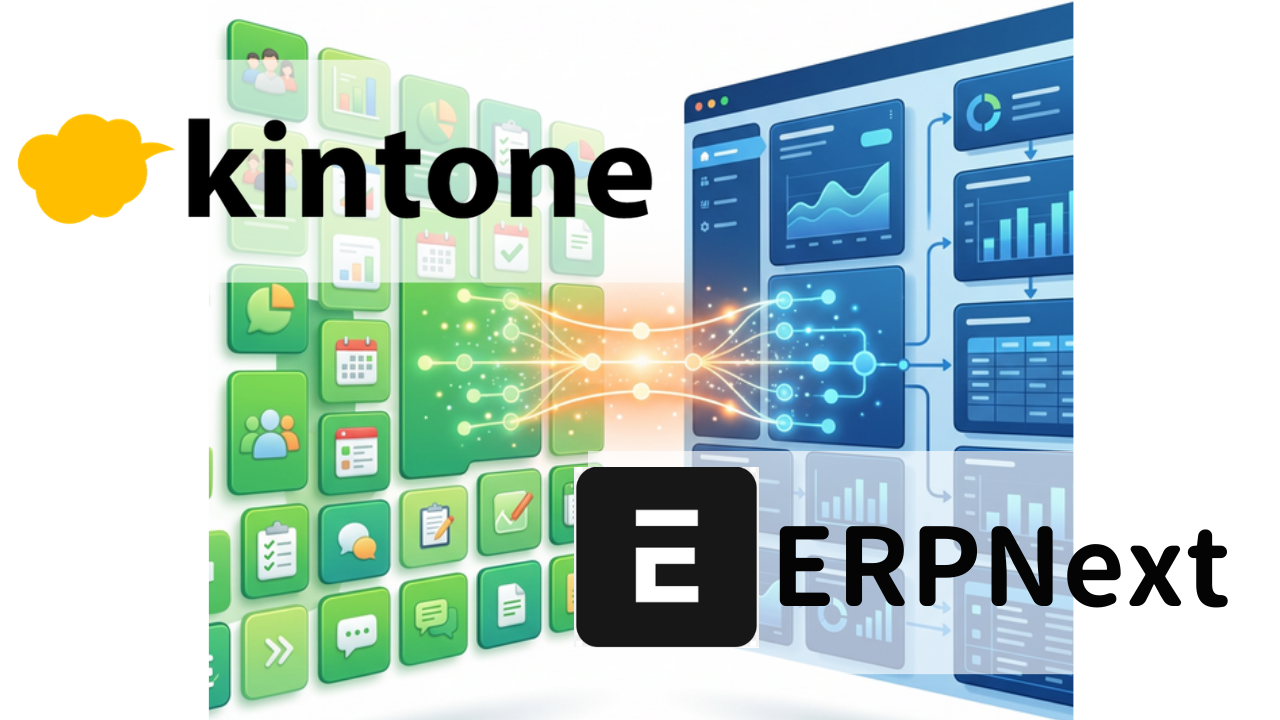
kintone means "you don't have to throw it away"
By implementing kintone, we were able to automate on-site daily reports, project management, and inquiry handling into applications. The employees have gotten used to it, and work has certainly become easier to manage.
—But doesn't it end up like this at the end of the month?
- The inventory counts don't match within kintone. Ultimately, I had to recalculate them in Excel.
- Invoices and order data are being manually cross-referenced one by one.
- The accounting department is re-entering the same numbers into the accounting software by hand
- I've installed more than 10 plugins, and now nobody understands the whole picture anymore
If this task takes 20 to 40 hours per month, that means 600,000 to 1,200,000 yen in labor costs are being wasted annually on "data entry".
This is not kintone's fault. There are tasks that kintone excels at, and tasks that it struggles with. That's all there is to it.
kintone is a flexible tool that allows you to quickly create apps on-site. However, managing the entire process from order placement to shipment, invoicing, payment, and accounting is the job of an ERP system.
You don't need to abandon kintone. Simply by adding ERPNext as the "backend", Without changing the way you use kintone, that end-of-month hell will disappear.
Many small and medium-sized enterprises have already begun to adopt this "combined" approach.
What are the differences between kintone and ERPNext?
Understanding this point will help you fully grasp "why combining these treatments is effective."
| kintone | ERPNext | |
|---|---|---|
| Design Philosophy | Allows on-site users to freely create apps | Integrates the entire workflow |
| Areas of Expertise | Daily reports, project management, inquiries, inspection records | Order processing, inventory, accounting, manufacturing, invoicing |
| Data Relationships | Independent for each application (referenced via lookup) | All data is connected in a single database |
| Inventory Management | You can create a ledger with the app, but there is no automatic withdrawal. | Inventory is automatically reduced when items are shipped. |
| Accounting | External accounting software is required | Journal entries are automatically generated |
| MRP (Manufacturing Planning) | Not supported | Automated process from BOM development to requirements calculation and ordering |
| Pricing | 1,800 yen/user/month (Standard) | ERPNext.JP: full source handed over (own it), unlimited users — contact us for pricing |
💡 In short: kintone is the "entry point to the front lines", and ERPNext is the "back office backbone". By combining these two, you can manage everything seamlessly from entry to exit.
Three Combination Patterns
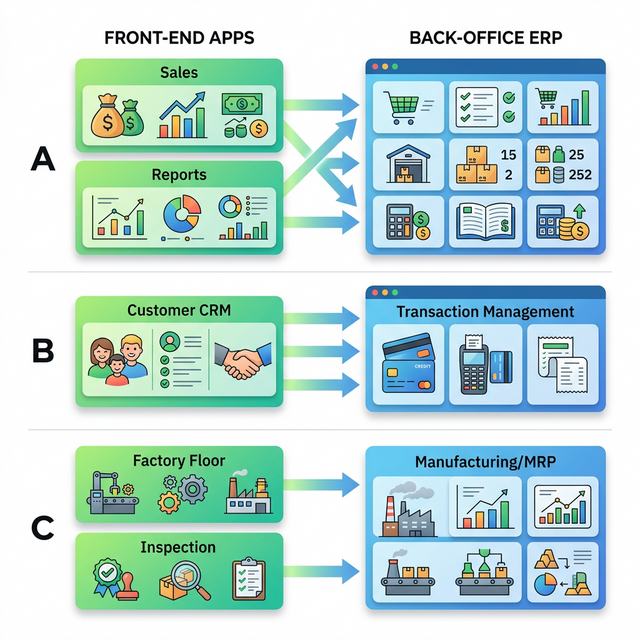
"How could this be used in our company?" Try to find a pattern that is similar to your own company's.
Pattern A: Field data entry is done using kintone, and back office operations are handled by ERPNext
Suitable Companies: Companies where sales and field staff already use kintone on a daily basis.
| Business Operations | Systems Used |
|---|---|
| Sales Reports & Visit Records | kintone |
| Project progress management | kintone |
| Create quote → Register order | ERPNext |
| Inventory check → Shipping instructions | ERPNext |
| Invoice Issuance → Payment Management | ERPNext |
| Accounting journal entries | ERPNext (automatically generated) |
Effect: On-site usability remains unchanged. End-of-month data transfer is eliminated.
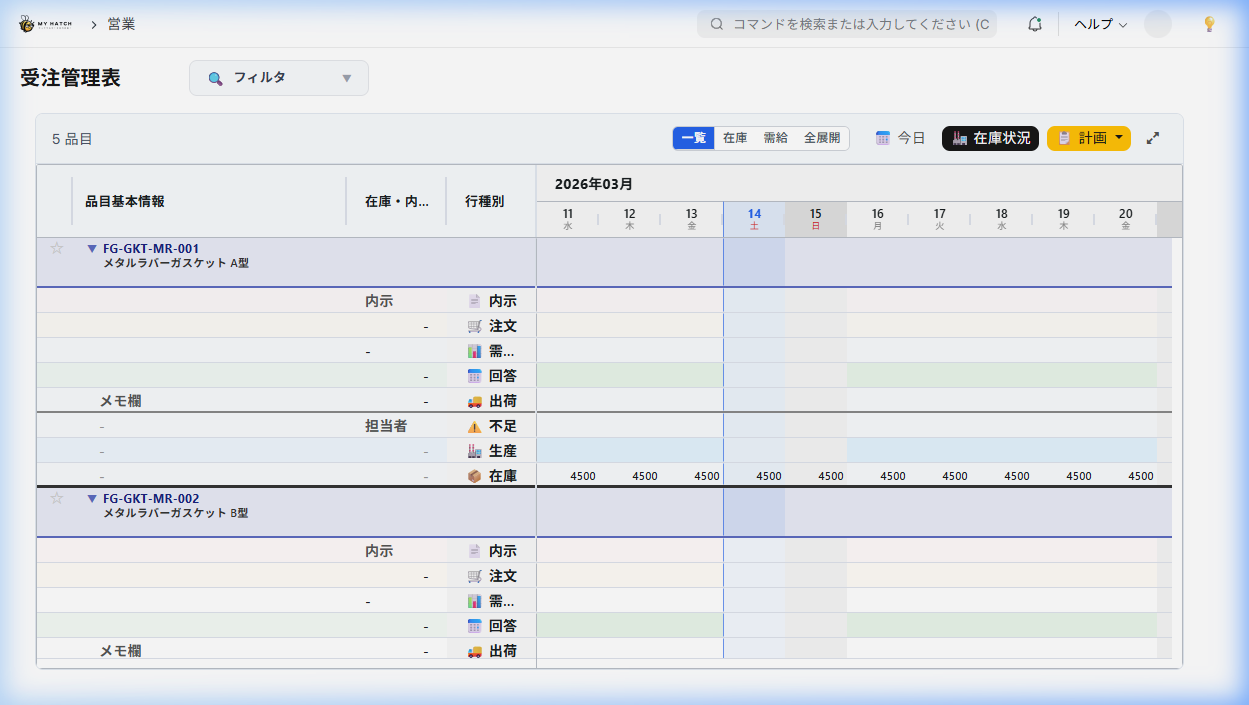
Pattern B: kintone = Customer Management, ERPNext = Transaction Management
Suitable Companies: Companies that have extensive experience building customer ledgers and CRM applications using kintone.
| Business Operations | Systems Used |
|---|---|
| Customer Master & Sales Opportunity Management | kintone |
| Inquiry handling and history management | kintone |
| Order placement → Shipping → Invoicing in a seamless process | ERPNext |
| Inventory Management & Warehouse Management | ERPNext |
| Monthly Financial Reports | ERPNext |
Benefits: The customer data and sales history that the sales team has accumulated in kintone will not go to waste.
Pattern C: kintone = on-site management, ERPNext = manufacturing + MRP
Suitable Companies: Manufacturing companies that use kintone to manage daily reports, quality records, and equipment inspections.
| Business Operations | Systems Used |
|---|---|
| Manufacturing Daily Report & Quality Check | kintone |
| Equipment Inspection Record | kintone |
| Bill of Materials (BOM) Management | ERPNext |
| MRP (Material Requirements Planning) → Order Placement | ERPNext |
| Manufacturing instructions → Process control | ERPNext |
| Cost Accounting | ERPNext |
Effect: The paper and Excel-based processes on-site are handled by kintone, while it covers areas that kintone cannot handle, such as MRP and cost accounting.
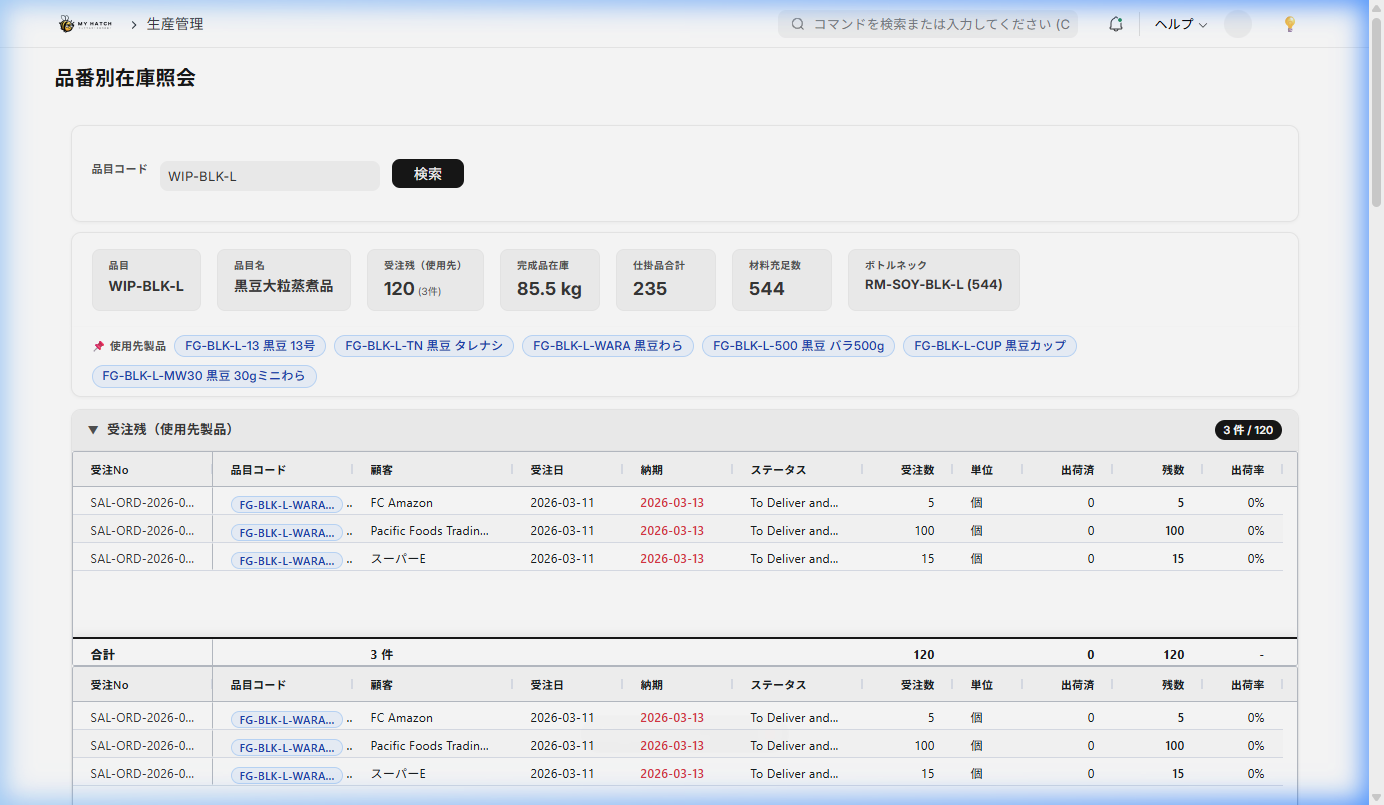
We can discuss which pattern suits you best during a free 30-minute consultation.
Many companies lean more towards A, but also have elements of C. At ERPNext.JP, we propose a combined design tailored to your company's operations.
How do we connect them?
"Wouldn't it be difficult to connect the two systems?" — You might think so.
Actually, both kintone and ERPNext have a mechanism called REST API. Simply put, it's a window that allows for automatic reading and writing of each other's data.
for example:
- When a project is marked as "Order Confirmed" in kintone → An order slip is automatically created in ERPNext.
- Once shipping is complete in ERPNext, the project status in kintone will be automatically updated to "Shipped".
- Display ERPNext inventory levels in real time on the kintone screen.
For technical matters, please contact ERPNext.JP. Designing and building the integration is included in the ERPNext.JP implementation support. In fact, using it in conjunction with kintone is a common pattern, so there's no need to design it from scratch.
Cost Comparison — Current approach vs. Combined approach
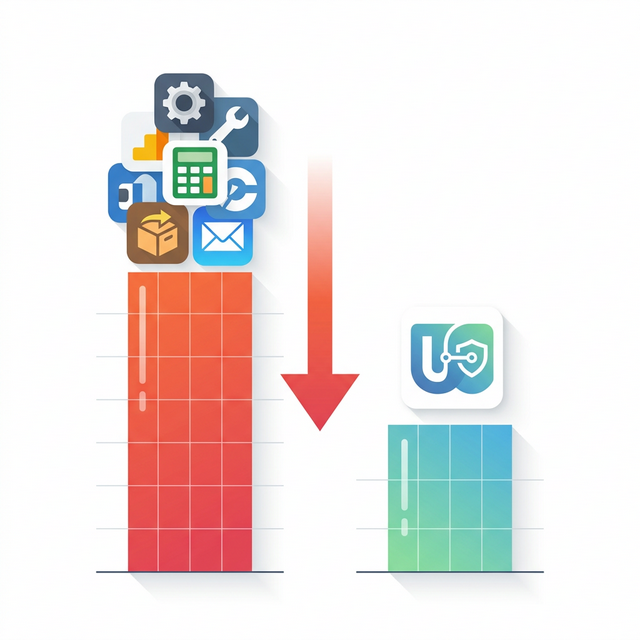
There's a difference between "trying to manage with kintone alone" and "adding ERPNext." How much will things change in 5 years?
| Kintone alone will do its best | Kintone + ERPNext.JP | |
|---|---|---|
| kintone monthly fee (30 users) | 54,000 yen | 54,000 yen |
| Paid Plugin | Typical cost: 20,000-50,000 yen per month | Not necessary (ERPNext handles this) |
| Accounting Software | freee/MF Cloud: ¥30,000-¥50,000/month | Not required (ERPNext built-in) |
| Inventory Management Tool | ¥10,000-¥30,000/month | Not required (built into ERPNext) |
| ERPNext.JP | — | Full source handed over (own it) + optional maintenance subscription — contact us for pricing |
| Monthly (running) | ¥114,000 - ¥184,000 | kintone ¥54,000 + optional ERPNext.JP maintenance (no per-user billing) |
- With ERPNext.JP the full source is handed over and owned up front (contact us for pricing). It's the labor savings below (¥3M-¥6M over five years), unlimited users, and source ownership that make coexistence advantageous as scale and manual workload grow.
⚠️ An often overlooked cost: "People's time"
Although not shown in the table above, using kintone alone requires 20-40 hours of manual data transfer per month between accounting software, inventory management, and Excel.
At an hourly rate of 2,500 yen, this amounts to 600,000 to 1,200,000 yen per year. Over five years, this means 3,000,000 to 6,000,000 yen is lost to "data entry work".
With ERPNext, you only need to input the information once. The system will then automatically handle the rest.
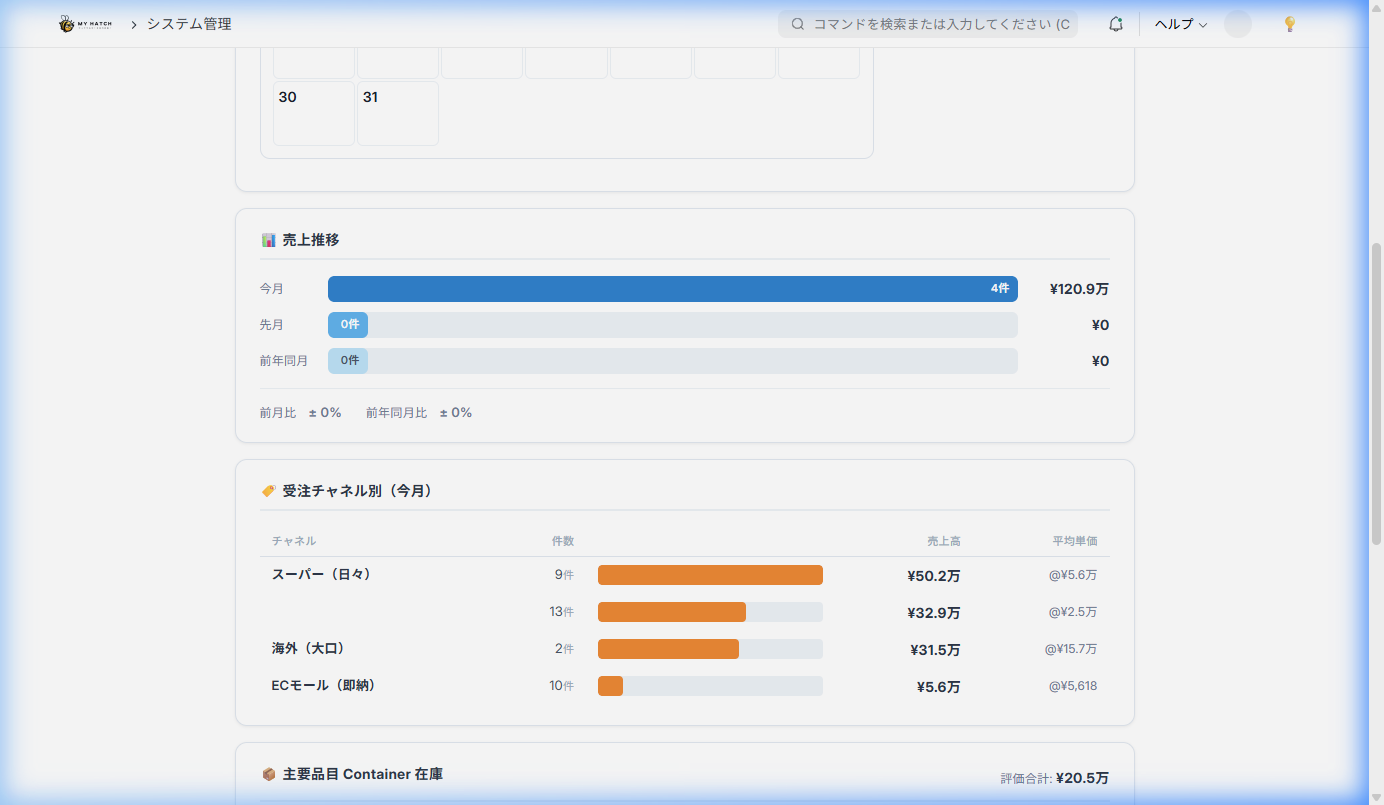
The more users and manual work, the more coexistence + source ownership pays off
kintone charges per user (1,800 yen/user), while ERPNext.JP has zero per-user billing once you own the source (and even the optional managed cloud plan is flat with unlimited users). The more people you have, the more beneficial ERPNext.JP's "own it / flat-rate" model becomes. kintone's per-user fee keeps climbing — ¥90,000/month for 50 people, ¥180,000/month for 100 — while ERPNext.JP doesn't grow with headcount once you own it. Combined with the labor savings (¥3M-¥6M over five years), coexistence wins as scale grows.
Future Options — From Combined to Unified
Using both methods is not the "goal," but rather the "starting point." Start with zero risk and expand while observing the results. This is the smartest approach.
Step 1: Start using kintone + ERPNext.JP together (14-day free trial available) ↓ Step 2: Gradually integrate kintone's functions into ERPNext (daily reports, CRM, etc.) ↓ Step 3: (If necessary) Integrate into a single ERPNext system → Further cost reduction by canceling kintone.
Of course, continuing to use them together is also an option. If the staff are already familiar with kintone and their work is running smoothly, there's no need to force a change.
The important thing is that "you have options". Since ERPNext is open source, you can make decisions at your own pace without being tied to a vendor.
Related Articles
Can kintone data be migrated to ERPNext?
Yes. By combining kintone's CSV export function with ERPNext's data import tool, you can migrate customer, product, and transaction data. ERPNext.JP's implementation support also includes assistance with data migration.
Are there development costs involved in API integration?
Designing and building the integration may be included in the ERPNext.JP implementation support or handled as additional development. Please contact us for a free consultation to discuss your integration requirements. Using kintone in conjunction with ERPNext.JP is a common pattern, so we can handle it smoothly in most cases.
Is API integration only possible with the kintone Standard plan?
That's correct. The kintone Lite plan (1,000 yen/user/month) does not allow the use of API functionality, so the Standard plan (1,800 yen/user/month) is required for automatic integration with ERPNext.
Are there any advantages to using both methods even for small groups (around 10 people)?
Yes, it is. Just by eliminating duplicate data entry through the automation of inventory management, invoicing, and accounting, you can expect to save more than 20 hours of work per month. In terms of labor costs, this amounts to an annual saving of over 600,000 yen.
How long will it take to implement?
If used in conjunction with other systems, it can go live in as little as 2-3 months. The typical process involves first conducting a 14-day free trial using your company's data, and if there are no problems, then proceeding directly to production.
First, please tell us about your current situation.
If, after reading this far, you feel even a little bit that this is about your own situation— That feeling is probably correct.
The more effort a company has put into running its business using kintone, the more likely it is to succeed. The effect of adding ERPNext is significant. Because the foundation for digitalization is already in place, the next step will be smooth.
🤝 We offer a 30-minute free consultation to propose a combination plan tailored to your company's needs.
"Which parts of kintone should we keep, and what should we migrate to ERPNext?"
After hearing about your company's operations, we will work together to find the optimal combination for you.
Of course, it's perfectly fine if you decide to cancel after the consultation.
Related Articles
- Breaking the Limits of kintone — A Complete Guide to Migrating to ERPNext - ERPNext.JP Cloud Implementation Cost Guide - ERPNext client scripts — Customize the screen freely with JavaScript - ERPNext vs Odoo thorough comparison
Related articles
 8 min
8 minBreaking the Limits of kintone — A Complete Guide to Migrating to ERPNext
Feeling the limitations of kintone for business management? This guide clearly explains how to migrate to ERPNext, which solves the problems of multiple apps, inventory management issues, and duplicate accounting entries, all at once, and includes a cost comparison.
 7 min
7 minERPNext.JP Implementation Cost Guide | Own the Source as Your Asset
We reveal ERPNext.JP's cost structure: the full source code is handed over so you own the system as your asset. Includes a comparison of four major ERP systems. Contact us for pricing.
 6 min
6 minComplete control over the input screen — A guide to using client scripts
This guide explains, with practical examples, how to implement form auto-filling, display control, and validation using ERPNext client scripts. Basic JavaScript knowledge is all you need to get started.