
User Manual
A clear, practical manual that walks you from the basics of ERPNext through real-world usage. Designed so first-time users can get started with confidence.
Basics
(6 articles)Basic operations for all users
 5 min
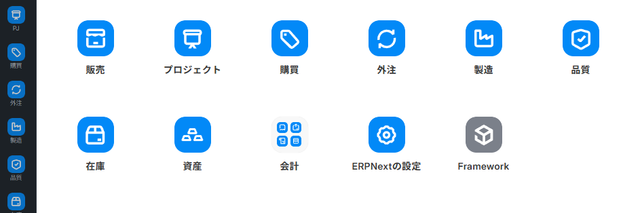
5 minFirst Steps with ERPNext (Entry Guide)
This is a comprehensive guide for those using ERPNext for the first time. It's a common entry point for everyone, explaining everything from logging in and navigating to business-specific manuals, to common operations and help resources.
 5 min
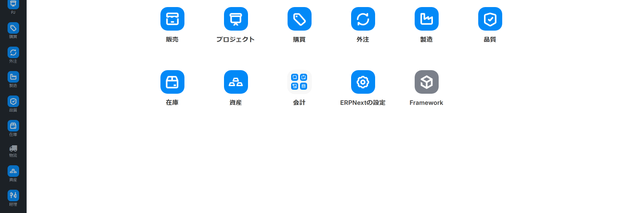
5 minHome screen and business hub
This guide explains how to use the home screen displayed after logging in, and how to access the business hub and workbench for each business module.
 4 min
4 minLogging in and initial setup
How to log in to ERPNext and what to do right after login (navigate to the home screen and change your password).
Sales
(20 articles)Quote, order and invoice flow
 6 min
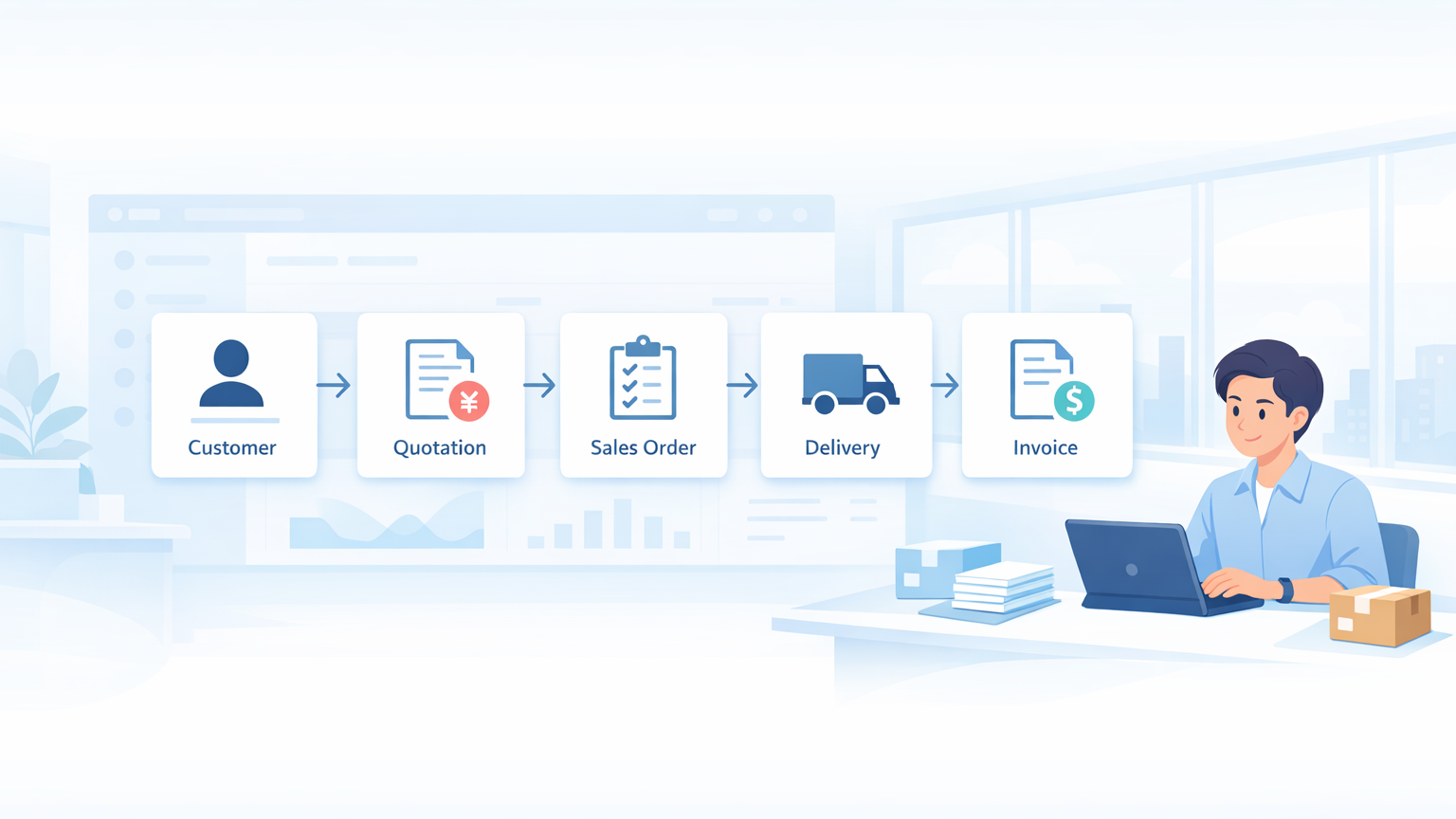
6 minSales workflow (entry guide)
This is an entry guide that outlines the overall picture of sales operations, consisting of a 5-line structure: Master Data → Quotation → Order Received → Shipping → Invoice, and 5 channels: Face-to-face, E-commerce, EDI, Fax, and Mobile. It also organizes how to use each screen according to the person in charge.
 5 min
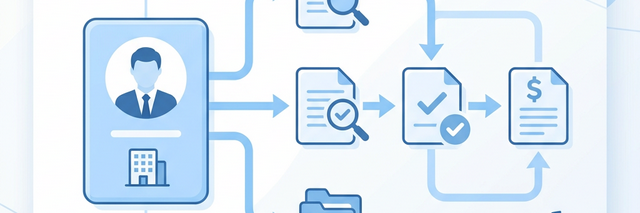
5 minCustomer Master
This document explains the procedures for registering new business partners (customers) and managing their basic information. It covers how to handle business partner information, which forms the foundation of daily sales activities and is linked to the CRM command center.
 14 minIntermediate
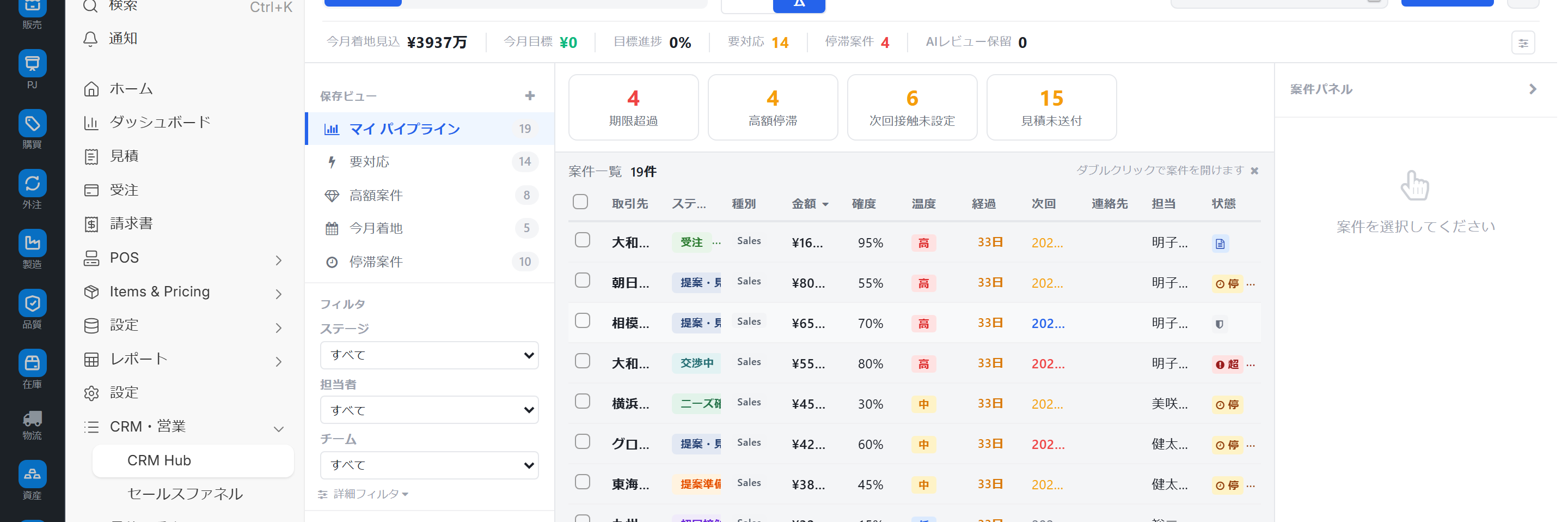
CRM (Customer Management) Control Tower
A sales command center screen that manages inquiries, quotations, clients, and projects all on one screen. It handles everything from daily KPIs and tasks to priority deals and batch processing of potential orders, all from a single screen.
Purchase
(13 articles)PO, receiving and procurement
 5 min
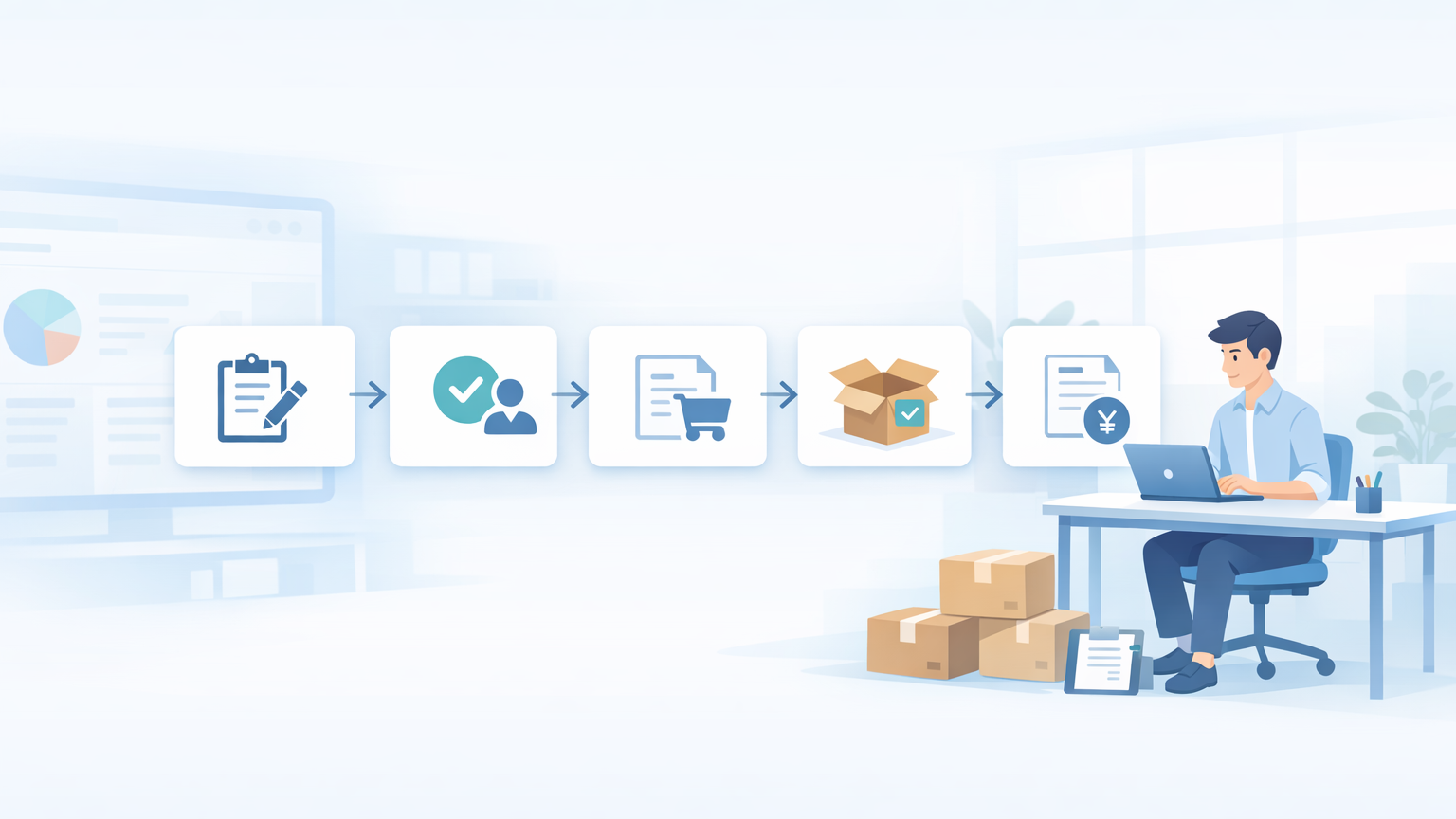
5 minPurchasing workflow (entry guide)
This is an introductory guide to the purchasing operations in ERPNext. It covers two workflows—equipment and raw materials—and explains how to use each screen and the recommended reading order for each role.
 5 min
5 minSupplier registration and management
This guide explains how to register a new supplier and manage their basic information in ERPNext.
 12 min
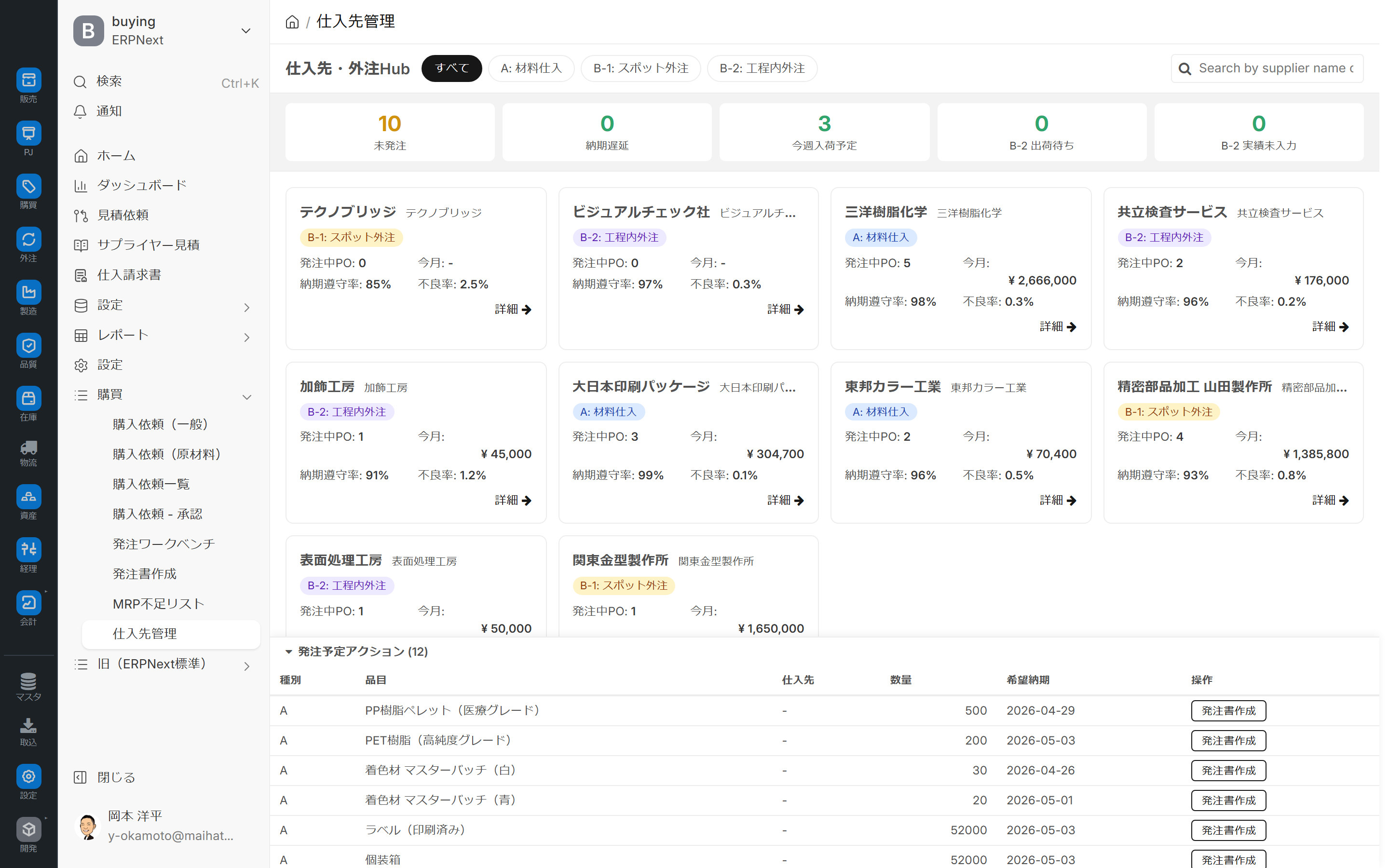
Supplier management
This guide explains how to use the supplier dashboard, which allows you to view multiple suppliers side-by-side and manage five types of summary tiles, on-the-spot price editing, outsourcing progress, and defect rate trends all on one screen.
Manufacturing
(10 articles)BOM, work orders and operations
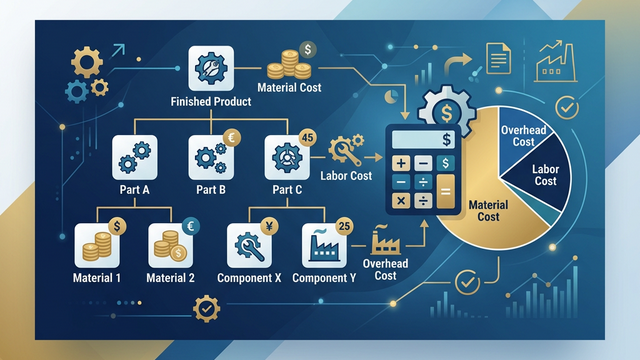 7 minIntermediate
Creating a Bill of Materials (BOM)
This document explains the procedure for creating a Bill of Materials (BOM) and defining the product configuration using ERPNext.
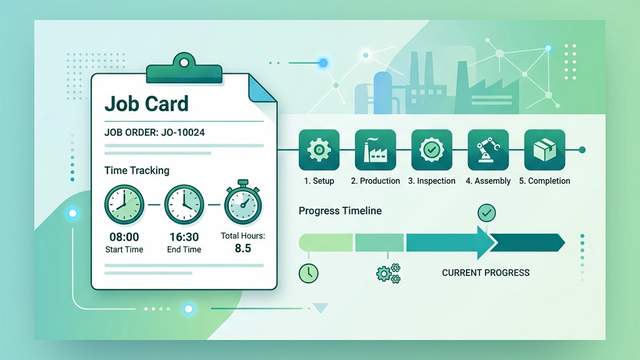 5 minIntermediate
Job card (process management)
This document explains the procedure for recording the start and completion of manufacturing processes and the work time using ERPNext's Job Card.
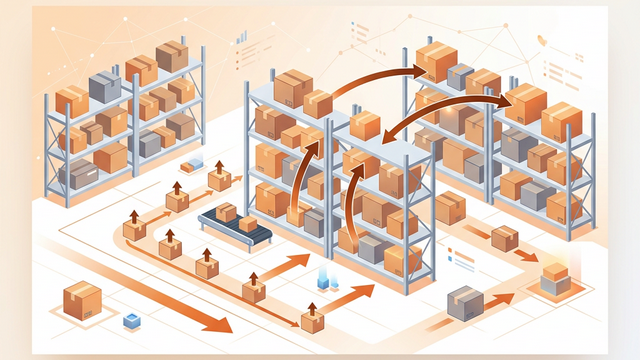 6 minIntermediate
Inventory transfer/disbursement
This document explains how to use ERPNext's Stock Entry feature to record warehouse transfers and manufacturing-related issuances.
Accounting
(5 articles)Journals, payments and closing
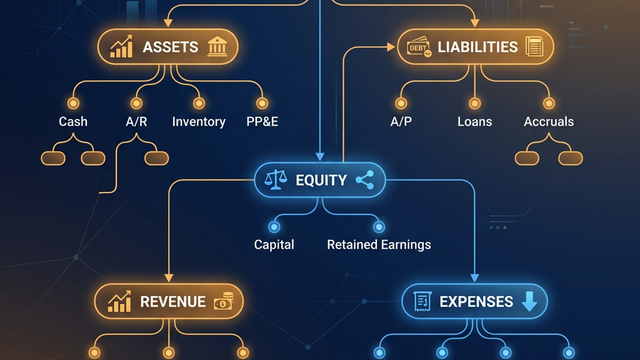 7 minIntermediate
Setting up account titles
This document explains the structure and configuration of the Chart of Accounts in ERPNext.
 6 minIntermediate
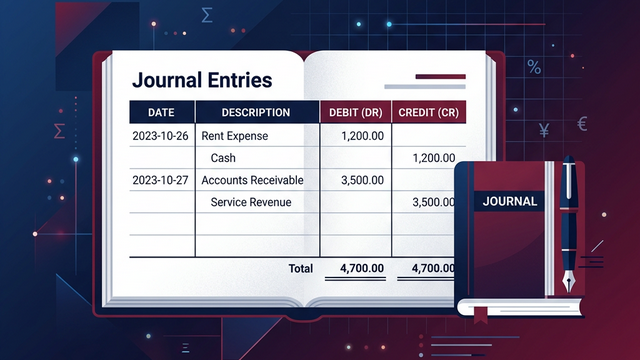
Journal entry
This guide explains how to create manual journal entries in ERPNext.
 6 min
6 minDeposit and payment processing
This explains the procedure for processing receipts and payments in ERPNext.
Administrator
(8 articles)Users, roles and settings
 7 minIntermediate
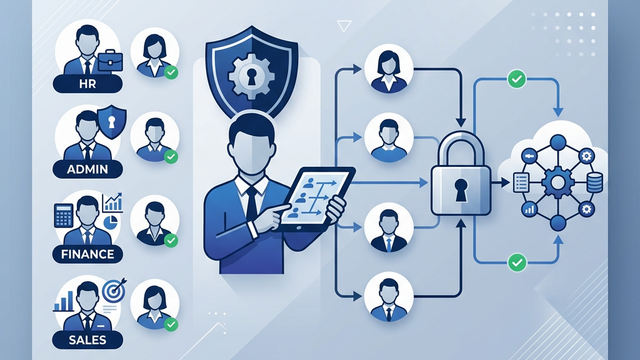
Adding users and setting permissions.
This guide explains how to create a new user in ERPNext, assign roles, and configure access permissions.
 7 minAdvanced
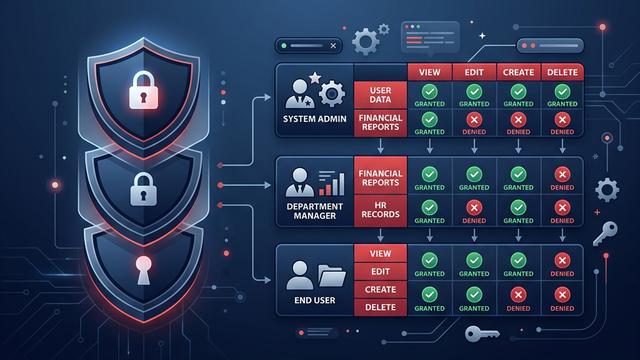
Role and permission management
This document explains how to use ERPNext's role permission manager to configure detailed access permissions for each role.
 6 minAdvanced
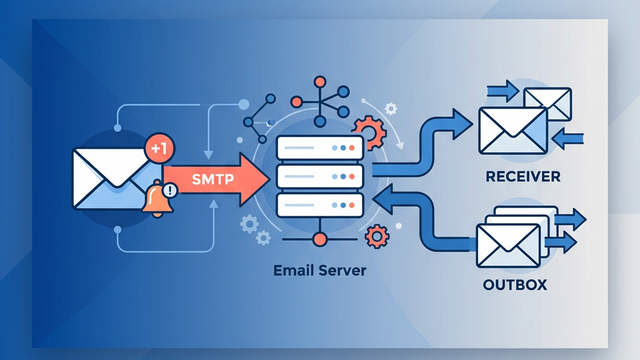
Email settings
This guide explains how to configure email sending and receiving settings in ERPNext and enable notifications and report sending.