
Break free from reliance on fax and email — Streamline transactions with a B2B order portal.
The reliance on fax and email for repeat transactions, the cumbersome process of sharing prices and delivery dates—we introduce a system that fundamentally transforms B2B order placement and receiving with ERPNext.JP's customer-only portal.

💭 Are you still relying on email and Excel?
In many manufacturing and trading companies, transaction information with repeat customers is fragmented.
- Orders are placed via email, quotes are in Excel, and invoices are attached as PDFs…
- Call the person in charge every time you want to inquire about stock availability or delivery dates.
- The unit price and conditions for each customer only exist in the mind of the person in charge.
In this situation, "Order processing is slow," "Information sharing takes a long time," and "The process is highly dependent on individual employees, leading to over-reliance on specific individuals." These kinds of challenges always linger.
🚀 Transactions should be much simpler than this.
This is the ideal.
- Customers can check their own inventory, delivery dates, and order history.
- Agents can get quotes, place orders, and confirm deliveries online.
- Suppliers can complete delivery date responses and invoice submissions online.
- Moreover, all information is synchronized in real time within the ERP system.
In other words, they aim to create a dedicated B2B transaction portal with the same ease of use as Amazon. That is the ERPNext.JP portal function.
🧭 Contents of this article
This article explains how to build a system using ERPNext.JP. Here are three "portal utilization scenarios."
- Customer Portal — Makes orders, delivery dates, and shipments "visible"
- Agency Portal — Online collaboration and sales management
- Supplier Portal — Streamlining procurement and payments
🧩 What is the ERPNext.JP portal?
ERPNext.JP comes standard with a "portal user" function. This is a system that allows external customers and business partners to view information on their own dedicated screen. Existing data can be securely shared without requiring any special development.
🔹 1. You can check without having to ask the person in charge if you log in.
When you sign in with the login ID issued to each customer, You can automatically view lists of documents such as quotations, order forms, delivery notes, and invoices. PDF downloads and comment exchanges are synchronized in real time with data within the ERP system.
This eliminates the confusion of "Which is the latest version?" and allows customers to understand the situation themselves.
🔹 2. Finely control the scope of disclosure for each customer.
ERPNext.JP manages portal users by linking them to their customers. A representative from Company A can only view Company A's data, and a representative from Company B can only view Company B's data.
Furthermore, you can freely configure which reports to publish. For example, orders and delivery slips are displayed, but quotations are not.
You can securely and flexibly manage different disclosure levels for each customer.
🔹 3. Can be flexibly expanded as a CMS
The portal is not just a list of documents. Using ERPNext.JP's web functionality, you can add pages like the following without writing any code.
- Frequently Asked Questions (FAQ) page
- Product catalog and instruction manual download
- Request for Quote / Support Inquiry Form
- Links to credit card payment pages such as Stripe
It can also be developed into a "customer-only site" or "partner portal" as needed.
🔹 4. Setup takes only a few minutes. It automatically synchronizes with the ERP system.
The setup process is very simple.
- Register your customers.
- Create a portal user and link it to the target business partner.
- On the "Portal Settings" screen, select the documents to display (quotation, order form, delivery note, invoice, etc.).
With just this, you can start using it immediately. Since the information from within the ERP system is reflected directly, there is no need for a separate CMS or API integration.
If you are already using ERPNext.JP, you can implement it with virtually no additional cost.
🔹 5. Japanese language and smartphone support are standard.
The portal screen uses a responsive design and is optimized for smartphones and tablets. The website will be automatically localized to Japanese to match your browser's language settings. It can be used smoothly even when you are away from the office or at overseas locations.
The UI is easy for anyone to use, from on-site staff to management.
💡 The essence of a portal
The ERP Next.JP portal is
- Achieved with standard features
- Can be built without coding
- Secure information sharing for each customer, agent, and supplier
This is a simple yet powerful B2B transaction platform. Now, let's look at three actual usage scenarios.
🔹1. Customer Portal — Making orders, delivery dates, and shipments "visible"
1-1. Check your order status in real time
The process from "quote → order → manufacturing → shipping → invoice" is as follows: Customers can log in and check this themselves.
Order confirmation/delivery note/invoice will be displayed automatically. The status is updated in real time with each update.
💡 Reduce inquiries such as "How far along are we now?" Significantly reduced workload for both sales and administrative staff.
1-2. Online Quotation Request Form
Customers enter their desired quantity and delivery date on the portal and submit a quote request. ERPNext.JP automatically generates a quote, and after approval by the sales representative, the PDF is immediately published. The customer simply presses the "Approve" button, and it will be converted into a Order Form.
🧾 From quotation to order placement, everything can be completed online. Eliminate the hassle of sending and receiving emails and attaching files.
1-3. Repeat orders are also one-click.
Simply click the "Reorder" button in your past order history. Inventory levels and estimated delivery times are automatically displayed, and customer-specific pricing is applied.
🔁 Automate repeat ordering of standard and consumable items. Prevent ordering errors and improve customer satisfaction.
1-4. Automatically apply customer-specific contract terms.
Using price lists and customer groups** The system automatically reflects different unit prices, tax categories, and payment terms for each customer.
💰 We centralize contract terms using ERP to eliminate inconsistencies in sales responses.
🔹2. Sales Agent/Partner Portal — Bringing Collaboration Online
2-1. Order/Receipt Page for Agents Only
Agents can check the latest stock and delivery dates from the portal. Create and send the purchase order as is. Order, delivery, and billing history are also fully synchronized with ERPNext.JP.
🤝 Eliminate ordering and receiving by phone or fax, Achieving both speed and transparency in transactions.
2-2. Sharing of promotional materials and price lists
The latest information is always available on the agent-only page.
- Product catalogs and brochures in PDF format
- Price revision information and campaigns
- Case studies and manuals
You will be automatically notified when updates are made, preventing the use of outdated materials.
📂 Prevent misunderstandings and streamline partner support.
2-3. Visualization of Sales Performance and Bonuses
Integrates with the commission management function, The sales volume, achievement rate, and bonuses of agents are visualized on a dashboard.
💡 With a system that "shows results", It enhances your partner's trust and motivation.
🔹3. Supplier Portal — Streamline Procurement Operations
3-1. Order placement and delivery date confirmation can be completed online.
The supplier will check the purchase order on the portal. You can directly enter changes to the delivery date and quantity. Changes are immediately reflected in ERPNext.JP, reducing the procurement team's review process.
⏱️ Eliminate the need to adjust deadlines via email or Excel, Significantly increased the speed of parts procurement.
3-2. Submission of Delivery Note and Invoice
After delivery, suppliers register the delivery slip and purchase invoice through the portal. You can also check the acceptance status and payment schedule in real time.
💳 No need to ask "When is the payment due?". Strengthening trust with business partners.
💡 Summary: Making transaction relationships "visible" and "efficient" through a portal
The portal function of ERPNext.JP is
- Securely share only the necessary information for each customer, agent, and supplier.
- Order placement, quotation, delivery date response, and invoice can all be completed online.
- Break free from email dependency, Excel management, and reliance on individual employees
This system simultaneously achieves "visualization" and "automation" of B2B transactions.
👉 First, try it out with the free trial. We encourage you to experience firsthand how well it fits your company's trading operations.
Related articles
 10 min
Trading companies' ERP utilization strategies — centralized management of multi-location warehouses, VIP pricing, and foreign currency transactions.
This article explains the convenient features of ERPNext.JP, which is specifically designed for trading companies. It supports multi-site warehouse management, VIP customer pricing, foreign currency transactions, and credit management with standard features plus Japanese specifications.
 5 min
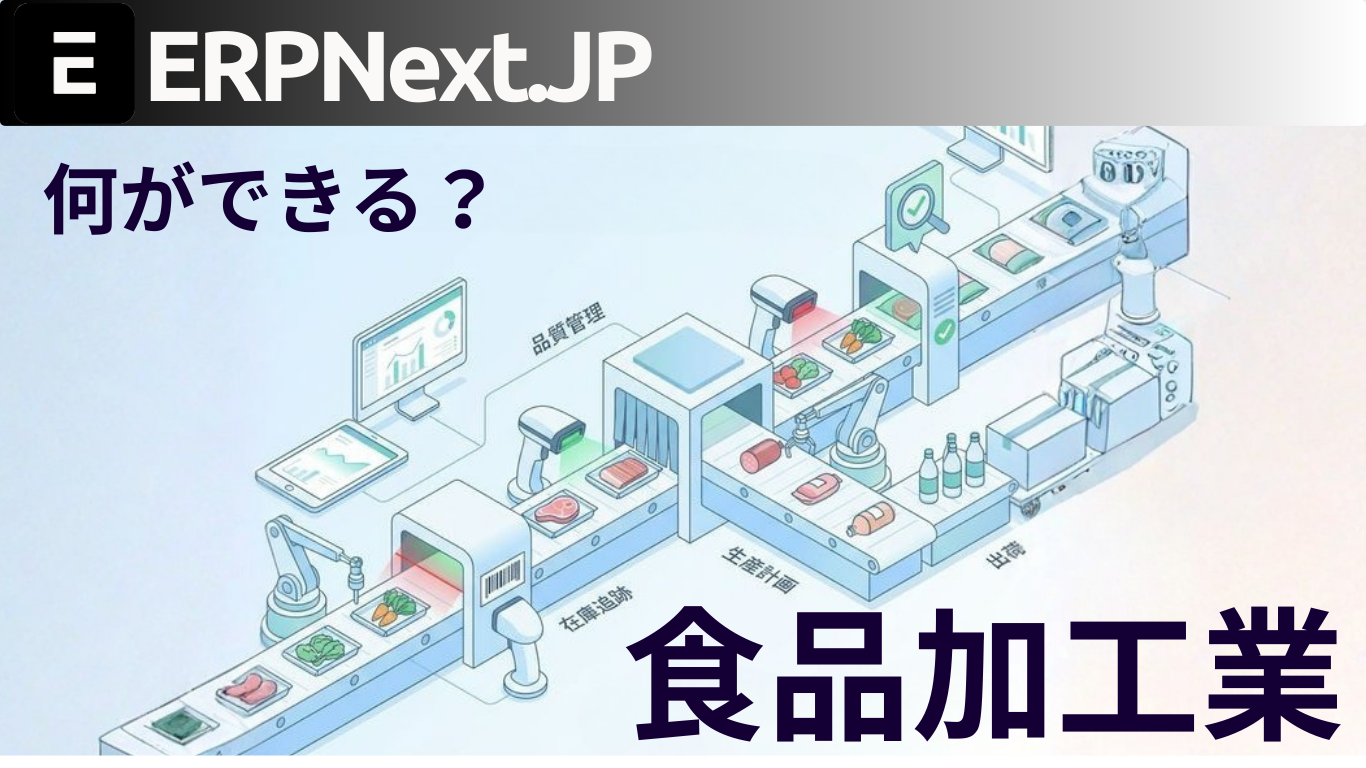
5 minFrom order placement to shipment, everything is visible. Integrated ERP for the food processing industry.
This article explains the features of ERPNext.JP, which is specifically designed for the food processing industry. It supports FAX-OCR order import, barcode data entry, lot tracking, and monthly cost calculation as standard features, plus Japanese specifications.
 8 min
8 minA demand forecasting calendar to solve the problems of "overproduction" and "shortage" in make-to-stock production.
This explains the mechanism of the demand forecasting calendar that runs on ERPNext. It automatically calculates the optimal production increase quantity for e-commerce sales, reducing waste and lost sales opportunities.