
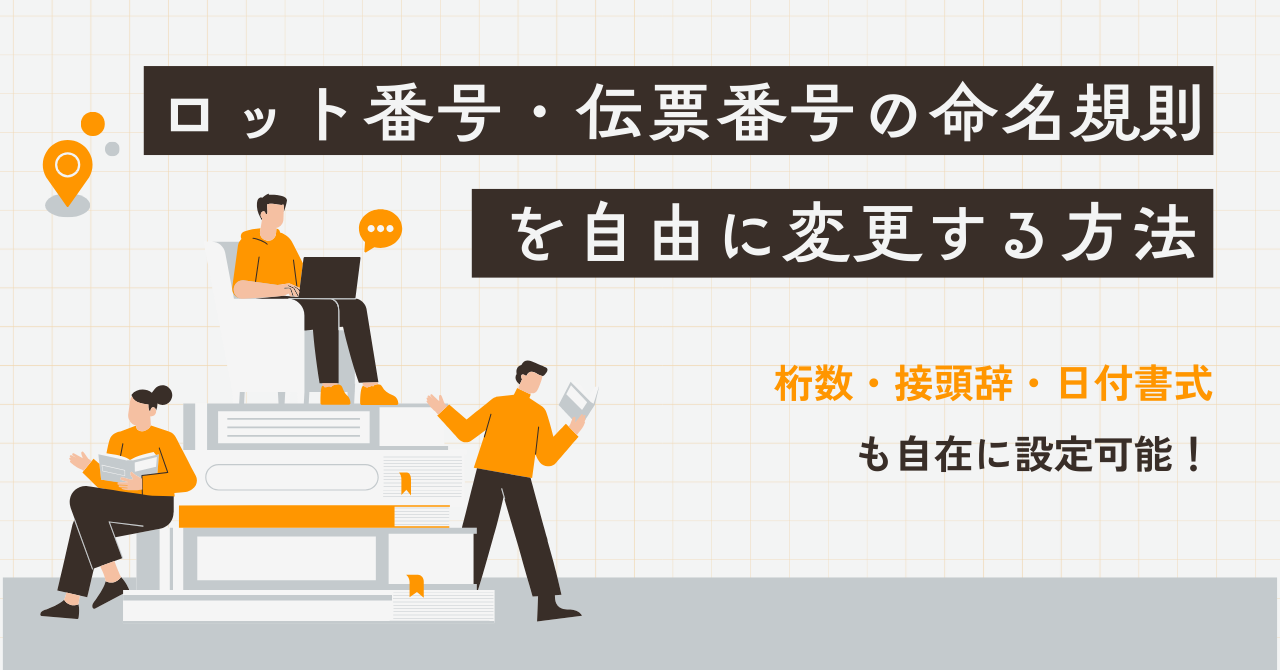
How to freely change the naming conventions for lot numbers and invoice numbers.
This guide explains how to customize the naming patterns for lot numbers and invoice numbers using ERPNext's Naming Series. You can freely set the number of digits, prefixes, and date formats.
Summary
- ✓ The naming
prefix+Date placeholder+Serial numberA combination of these elements. It's not completely free, but it offers sufficient flexibility for on-site situations. - ✓ Conditional rules and priority This enables features such as "by production line" and "monthly reset" as standard.
- ✓ Product master data can be configured to be "inactive" for unapproved items in conjunction with workflow approval, ensuring smooth communication and pricing.
Introduction
"Lot numbers" and "serial numbers" are always involved in manufacturing and inventory management. In fact, ERPNext allows you to flexibly customize naming conventions (Naming Series).
- "We want to change the initials of the lot number for each production line."
- "We want to change the serial number format for each customer."
- "I want the number to be reset every month."
ERPNext can meet these requirements with its standard features. (This is an area that is often handled as an add-on in other ERP systems.)
Basic Naming Conventions
The naming convention is a combination of fixed characters (prefix) + date placeholder + sequential number.
-YYYY (Western calendar year) /YY (Last two digits of the year) /MM (month) /DD (day)
-##### : Sequential number (specify the number of digits)
- example:
LOT-.YYYY.MM.-.#####→LOT-2025.09-00001
Note: This is not a completely free string generation method. However, this rule alone can cover almost all on-site requests, such as "by sales office," "with manufacturing date," and "monthly reset."
Conditional Rules and Priorities
While the traditional "naming series" was applied uniformly, naming rules can now be applied conditionally. If multiple conditions match, the priority (highest to lowest) will be used to determine the winner. If no match is found, it will fall back to the default series.
Example of use: Lot No. by production line
The prefix is switched for each line as follows:
| Conditions (Manufacturing Line) | Naming Format | Example Generation |
|---|---|---|
| K Line | K-.YYMMDD.-#### | K-250901-0001 |
| L Line | L-.YYMMDD.-#### | L-250901-0001 |
Benefits: Line identification is instantaneous using only the number / Tracing is easy / Inventory and defect analysis are smoother.
Common Requests and Solutions
Many of the issues I frequently encounter during implementation support can be resolved comprehensively using standard features.
-
Request: We want to change the lot number for each production line. Solution: Set prefixes for each line using conditional rules. example:
K-.YYMMDD.-####,L-.YYMMDD.-#### -
Request: I want to reset the number every month. Solution:
YYYY.MM.-####If this is adopted, the series will effectively be reset on a monthly basis. -
Request: I would like to organize product codes by variety. Solution: Set a different series for each Item Group. This prevents mixing and duplication.
On-site operation in conjunction with workflow
Naming conventions go beyond just numbering. Combining them with a workflow tightens up operations.
- Sales team creates product master data → "Pending Approval"
- Management reviews the content (sales price, affiliate, and responsible department) → Start using with "Active"
- Because it will not be put into operation without approval, it helps to prevent pricing errors and failure to communicate them properly.
This will prevent the problem of "registered but unapproved part numbers being put into circulation."
FAQ (Honestly)
Q. How much freedom do I have in customizing the settings? A. It's not completely flexible. It's a combination of prefix + date placeholder + sequential number. However, by using conditions and priorities, you can almost always fulfill the requirements of the field.
Q. What happens if I change the data series of existing data midway through? A. The arrangement may become unnatural. Establish a solid design during implementation to minimize changes later.
Q. I want to use the name or product name directly as the number. A. This naming convention is not recommended (it can lead to lengthy and inconsistent entries). It is more practical to represent classifications in a separate field, such as an Item Group.
summary
- The naming convention is a combination of parts, but it's flexible enough for on-site use with conditions and priorities.
- Line-specific lot and monthly reset are implemented as standard features.
- When combined with the Product Master Approval Workflow, it allows for secure management of pricing and departmental notification.
Related articles
 7 min
7 minAdd fields without coding — customize fields to fit your business.
This guide shows you how to add new input fields to the ERPNext screen without coding. You'll learn how to use various field types such as text, date, select, and link.
 8 min
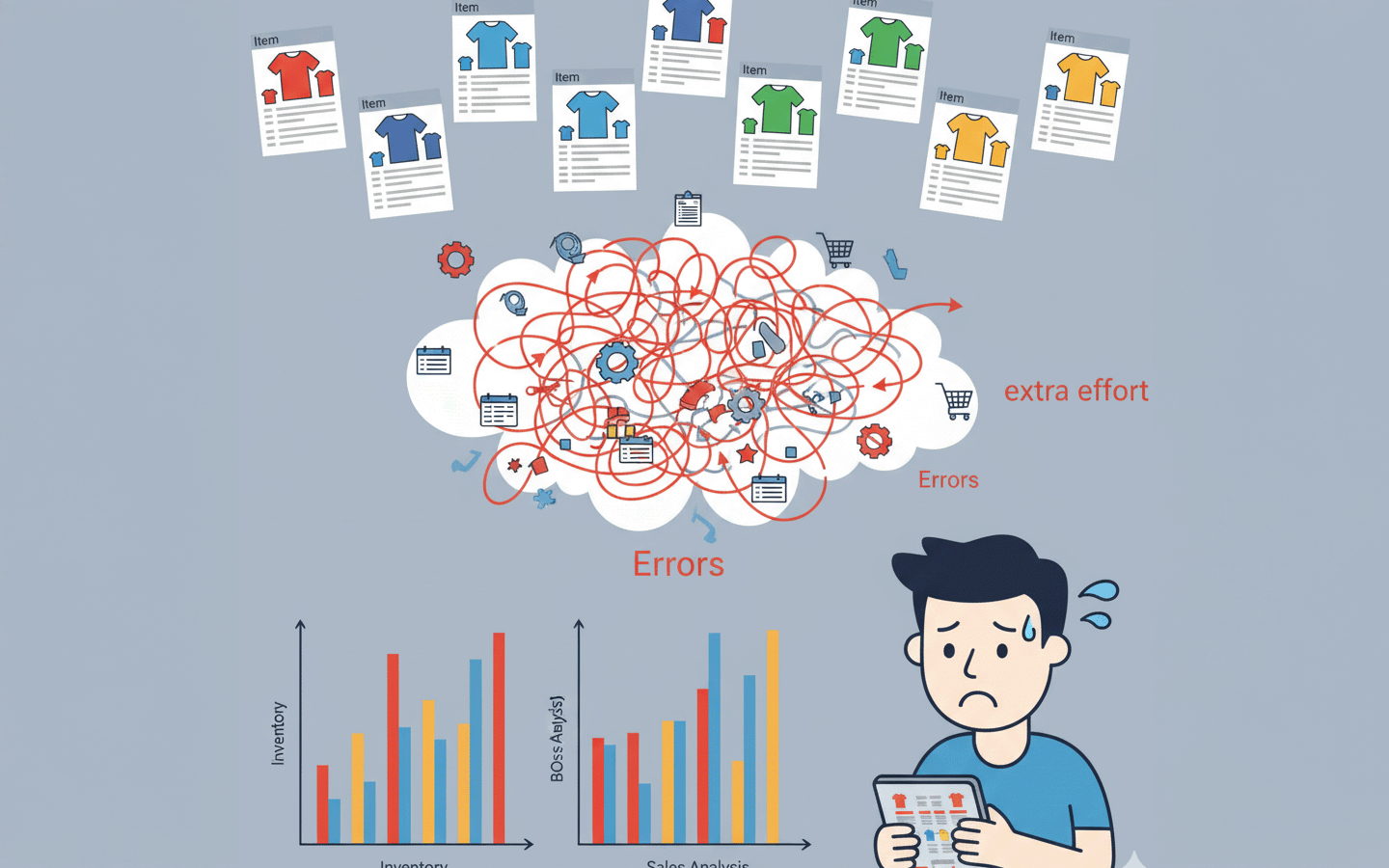
8 minCentralized management of size and color variations — How to use the item variant function
How to manage variations in size, color, and specifications of the same product using ERPNext? This guide explains the setup procedure and operational tips for the variant function, complete with screenshots.
 5 min
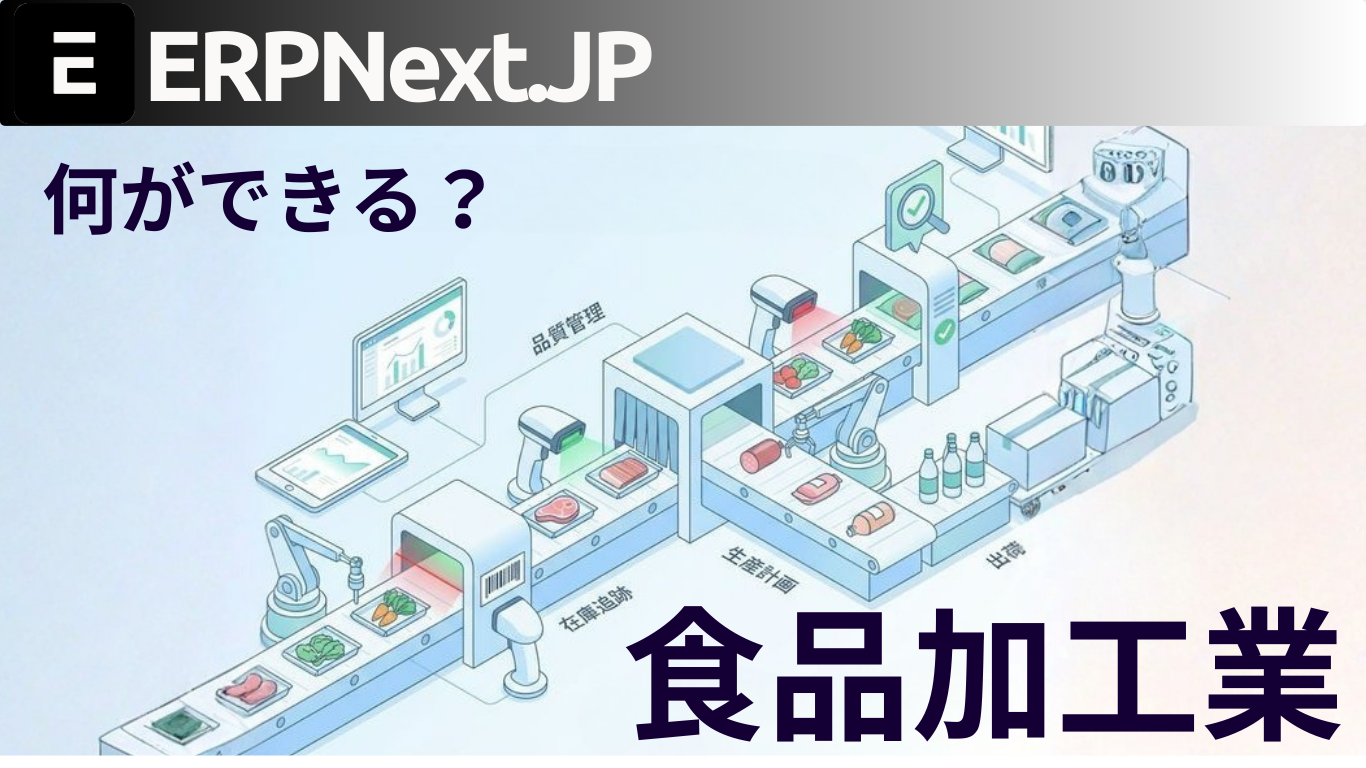
5 minFrom order placement to shipment, everything is visible. Integrated ERP for the food processing industry.
This article explains the features of ERPNext.JP, which is specifically designed for the food processing industry. It supports FAX-OCR order import, barcode data entry, lot tracking, and monthly cost calculation as standard features, plus Japanese specifications.