
Automate the approval flow — ERPNext Workflow Feature Guide
This guide explains how to build multi-stage approval flows, such as quotation approval and purchase approval, using ERPNext. It summarizes the operation procedures for the settings screen and points to note during operation.

ERPNext can do this much! 7 essential electronic approval and workflow features!
1. Flexible and robust route design
You can freely branch approval routes based on factors such as the amount, department, and project type. For example, you can easily set conditions such as "CFO approval is required for purchase requests exceeding 1 million yen." Since the approval routes can be directly integrated into the system, it also directly contributes to strengthening internal controls.
2. Detailed permission settings per user and per screen
Fine-grained permission settings are possible on a per-user and per-screen basis.
3. Compatible with all business documentation.
Workflows can be applied to all DocType applications, from purchase requests and expense reimbursements to attendance management, performance reviews, and even company-specific business application processes. A major strength is that it's not limited to specific tasks, but can integrate the company's overall approval culture into the system.
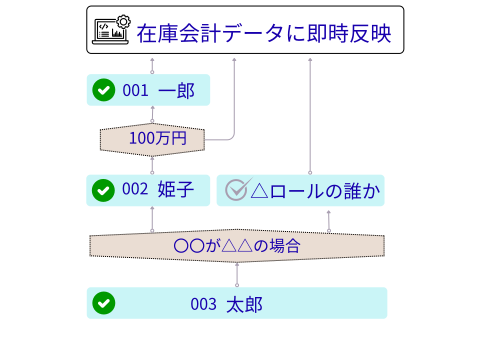
4. Data is updated simultaneously with approval.
ERPNext's workflow is not merely an approval route management system, but a decision-making engine integrated with the entire ERP system. Approval is instantly triggered, updating accounting entries, inventory movements, and HR data, ensuring that management decisions directly impact business processes. It offers a level of speed and accuracy far superior to paper or email approvals.
5. Integration with collaboration features
By integrating with comment and assignment functions, all approval requests and confirmations can be completed within the document. There's no need to search through chats or emails, and the communication is automatically recorded as an approval history, making it a highly transparent system that is robust for audits.
6. Speed up business operations with mobile approval
ERPNext also supports approvals via mobile apps, ensuring that decision-making processes continue even when management is on business trips or out of the office. Approvals can be completed with a single tap from a smartphone, eliminating bottlenecks caused by pending approvals and accelerating the pace of operations.
7. Additional Scalability
In addition to standard features, customization options are available, such as proxy approval and automatic reflection of approval stamps. By registering stamp data for each user, it's easy to implement extensions that cater to paper-based cultures, such as automatically displaying approved stamps when outputting documents. This allows for a smooth transition between digital and traditional business processes.
Use cases directly related to business management
For expense reimbursements, approvers automatically switch based on the amount, and accounting entries are immediately recorded after approval. For purchase requests, high-value items are escalated to executives, and ordering and inventory updates are processed simultaneously with approval. In HR-related matters, overtime requests are automatically reflected in payroll calculations after approval by the HR department, ensuring speed of decision-making and consistency in business processes. i
Related articles
![[Case Study 1] Workflow Approval Status Display](/images/documents/custom/workflow-panel/workflow-panel-hero-new.png) 8 min
8 min[Case Study 1] Workflow Approval Status Display
This example demonstrates how to extend workflow approval status into a custom application.
 7 min
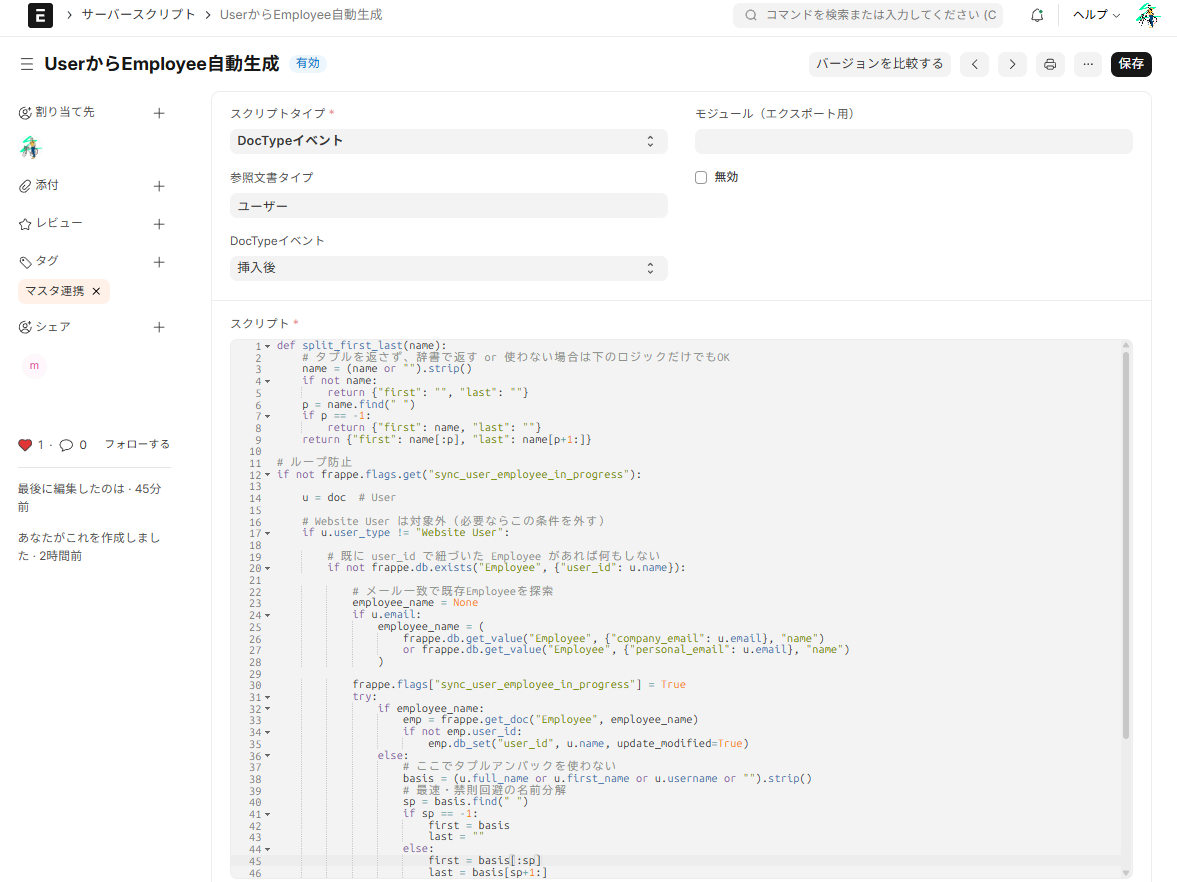
7 minAutomate your backend with no code — A guide to using server scripts
This article explains how to automatically generate an Employee when a User is created using an ERPNext server script, with implementation examples. It's a lightweight extension that can be used like a Salesforce Apex trigger.
 5 min
5 minFrom order placement to shipment, everything is visible. Integrated ERP for the food processing industry.
This article explains the features of ERPNext.JP, which is specifically designed for the food processing industry. It supports FAX-OCR order import, barcode data entry, lot tracking, and monthly cost calculation as standard features, plus Japanese specifications.