
In an age where ERP systems can be created with AI, why do business systems still fail?
AI has made it possible to quickly create prototypes of business systems. However, in production environments, we often stumble over issues such as multi-user access, exception handling, permissions, change history, external integration, and maintenance. This article explains common pitfalls in AI development and the significance of using ERPNext.JP as a launching pad, in a way that is easy to understand even for those unfamiliar with systems.
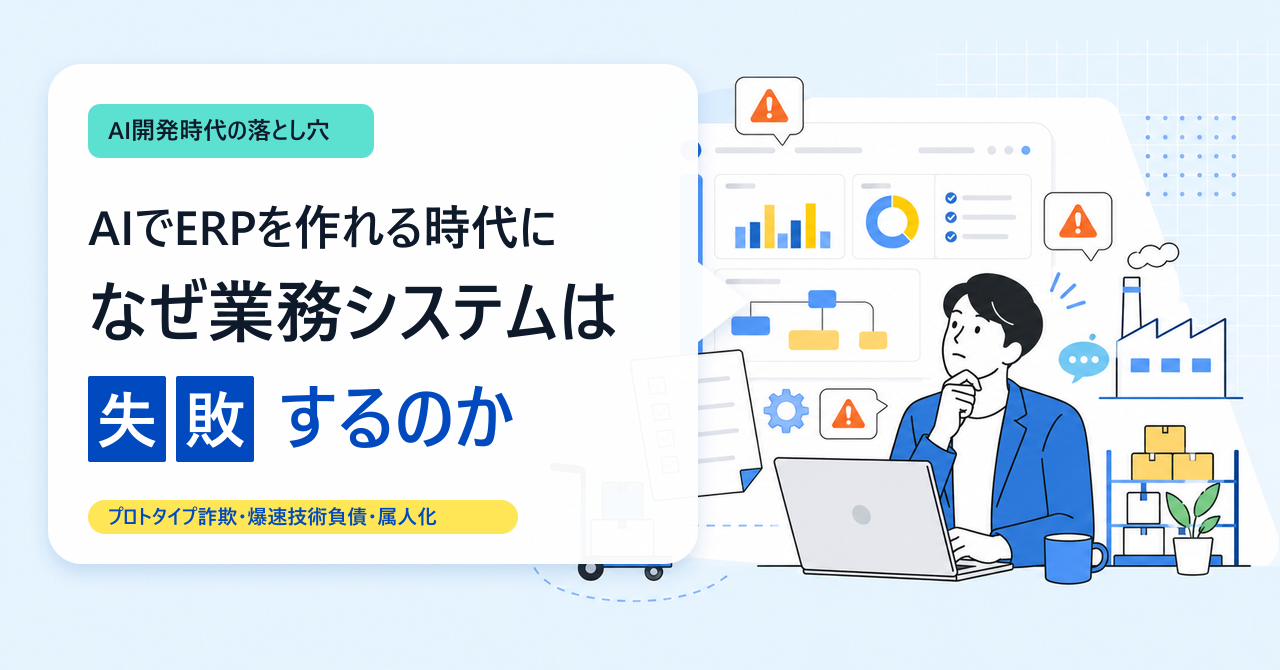
Using AI, prototypes of business systems can be created incredibly quickly.
Registering a customer. Entering an order. Viewing a list. Pressing an approval button. These kinds of "functional screens" can now be created in a much shorter time than before.
However, the real challenge with ERP and core systems is not creating the screens.
The challenge is ensuring it doesn't break down even with daily use.
- Used by multiple people simultaneously
- Exceptions such as cancellations and returns may occur.
- Separate information that is okay to see from information that is not.
- Make it possible to track who changed what.
- Connect to Excel and other systems
- Ensure maintenance can be performed even if the person in charge changes.
In the age of AI development, the ability to quickly create working prototypes makes it difficult to see the challenges of actual production deployment.
This article outlines common mistakes that occur when creating business systems using AI, in a way that is easy to understand even for those unfamiliar with systems.
To get straight to the point: AI is very powerful. However, if you don't clarify the "rules and procedures for each task" before entrusting them to AI, the faster you create the system, the faster it will become chaotic.
What this article aims to convey
The overall structure of this article consists of the following five points:
The first point is that prototypes and production environments are two different things. Even a screen that can be operated by one person can cause problems when sales, accounting, field staff, and managers use it simultaneously.
The second point is that if you keep adding features with AI, the rules tend to become scattered. If we fix the screen every time there's a request, after six months it becomes impossible to tell "which is the correct rule."
The third point is that a system that only the creator understands cannot be used for a long time. The moment the person in charge of the relevant information leaves the company, it becomes impossible to fix, investigate, or hand over the information.
The fourth risk is the risk of hiring too many IT professionals too quickly. If you increase the number of full-time employees because things are busy only during the initial launch phase, you may end up with heavy fixed costs and a burden of role design once the company stabilizes.
The fifth is the risk of managing development assets. In this age where anyone can create things with AI, it's crucial to consider who handles the source code, design information, customer data, and operational know-how, and how.
Let's look at them in order.
1. The prototype works, but it falls apart in the final product.
Using AI, it's sometimes possible to create a "business system that functions reasonably well" in just one to two months.
Looking at the demo screen alone, you might think, "With a little more refinement, this could be used in a real production environment."
However, the actual work is much more complex than the demo.
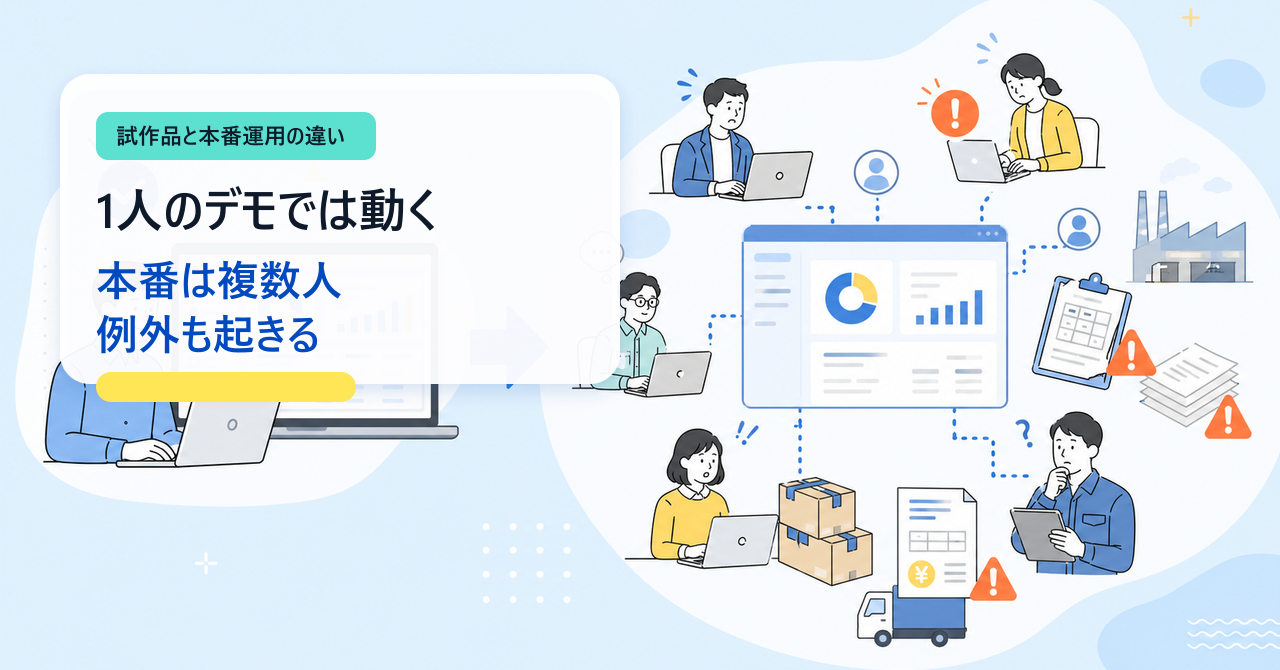
Works with one person, but breaks when used by multiple people.
In the demo, each person only registers one item at a time.
In a real-world scenario, sales, accounting, field staff, and managers will all be accessing the same data simultaneously. This can lead to overwriting, duplicate entries, and discrepancies in data status.
For example, the following:
- An "approved" order reverts to "draft" due to an update by another user.
- Sales representatives make quantity changes to orders that have already been shipped.
- After accounting issues an invoice, the inventory count changes on the production side.
Even small discrepancies on the screen can affect sales, inventory, and invoice amounts.
Unable to handle exceptional tasks
In prototypes, we tend to create only a straightforward flow: "order → shipment → invoice."
However, in actual work, cancellations, returns, installment deliveries, discounts, quantity changes, post-closing corrections, and reissued invoices are common occurrences.
For example, let's say there's a change in quantity after the invoice has been issued.
At this point, should we adjust the sales figures? Adjust the inventory figures? Adjust the invoice amounts? Charge only the difference? Keep the past records as they are?
Without these established rules, even with a screen, on-site personnel cannot make decisions.
The system suddenly becomes slow when the number of items increases.
If there are 10 demo data entries, both the list screen and the search screen will run quickly.
However, when the number of items reaches 100,000 in actual use, it can suddenly become very slow. If opening the shipping list every morning requires a 30-second wait, the team will quickly revert to using Excel.
"It works" and "It can be used stress-free every day" are two different things.
The permissions are too vague, making it unsuitable for production use.
In prototypes, everyone may use it with strong administrator-like privileges.
It's different in the actual production. Who is allowed to see what? Who is allowed to make corrections? Who can approve? Should the scope of what each department is shown be varied?
If this isn't decided, regular employees might end up seeing the cost, gross profit, and even the hourly wage.
Authority, simply put, is the control of the flow between what is "visible" and what is "fixable."
No trace of changes is left
In the actual competition, it's not just about "what's happening now," but also "who changed what, when, and what."
This is called an audit log. It sounds complicated, but in short, it's a track record of changes.
For example, let's say the order amount has changed. If we don't know who made the change, we won't know the cause or who is responsible. We also won't be able to prevent it from happening again.
Failure to consider external integration failures
It may automatically connect to other systems such as e-commerce sites, accounting software, and shipping systems.
This is called external integration. It's convenient when successful, but you need to design a system for when it fails.
For example, the import of e-commerce orders stops midway, and only half of them are registered. If you run it again, the same order will be registered twice.
These kinds of things can happen in actual operations.
Vulnerable to changes in master data.
Master data refers to information that forms the foundation of a business, such as product names, customers, unit prices, processes, and departments.
While the demo may be fixed, in the actual production environment, product names may change, products may be discontinued, unit prices may be revised, departments may change, and processes may be added.
If past estimates are recalculated using the new unit prices, the original amounts will be invalidated. The current changes will destroy even the evidence of past transactions.
The level of perfection required for a prototype is different from the level of perfection required for production use. What matters with ERP systems isn't whether it worked in the demo, but whether it can be used daily even when exceptions occur.
2. Adding features with AI leads to scattered rules.
AI excels at adding new features.
"Add a search function to this screen as well." "Change the approval process for this department only." "Make this a special price for this condition only." "Please make it possible to export this list as a CSV file."
If you ask for it this way, they can quickly create a function that looks like what you're looking for.
However, if you simply add features without organizing the overall system, the rules will become scattered after six months.
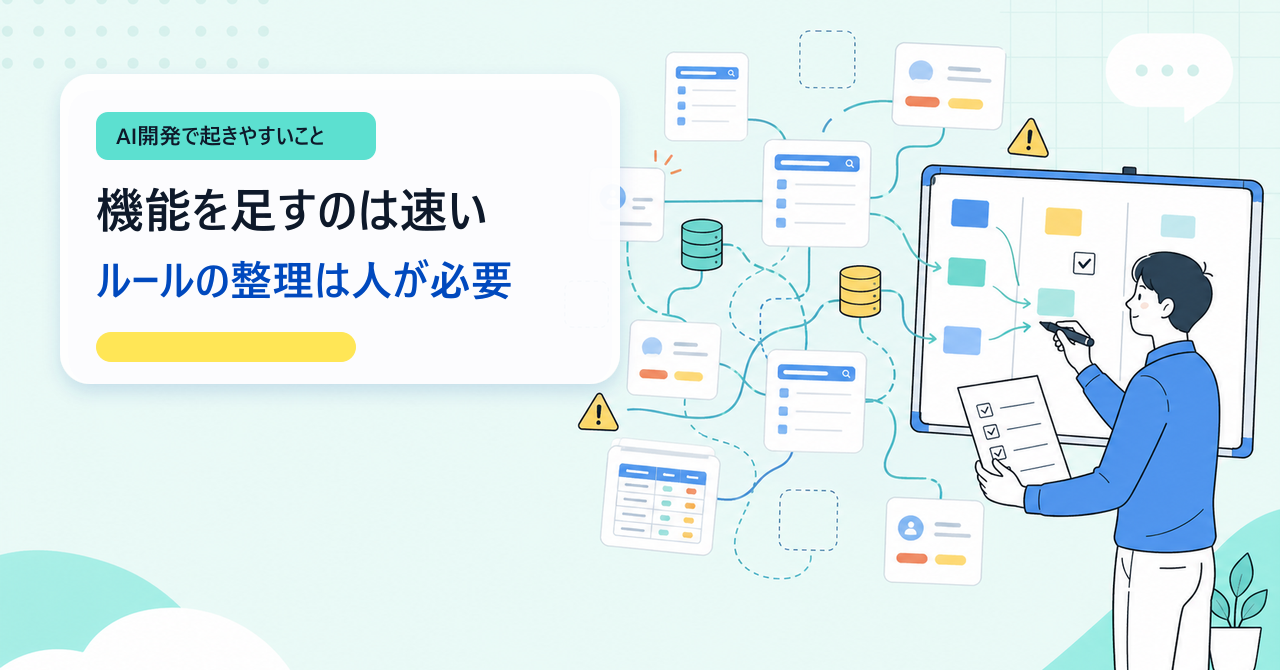
Multiple similar functions can be created
For example, let's say you have "customer search" in three different locations.
- Screen A allows searching by name only.
- Screen B can also be searched by email address.
- The C screen displays even deleted customers.
It becomes difficult to determine later which specification is correct.
Temporary measures become the official rule
"For now, we'll offer a special price only to this client." "For this month only, approval is not required for this department." "We'll make it possible to ship this product without checking inventory."
These temporary solutions sometimes end up becoming the official rules in the actual game.
Even if you look back at it six months later, no one can explain why that exception was made.
Different words on each screen
Even though they mean the same thing, the terms "customer," "business partner," "client," and "company" are used differently depending on the screen.
Even this alone can confuse those on the ground. It makes searching for information more difficult and training more challenging.
In ERP systems, consistency in terminology is crucial. Inconsistencies in terminology can lead to inconsistencies in business rules.
The number of items is too large
Even though there's a "Status" item, the list keeps growing with additional options like "Approval Status," "Display Status," "Shipping Status," and "Accounting Status."
Which one should you look at? It differs from screen to screen.
This leads to confusion for both those fixing the system and those using it. Changing just one item can unexpectedly break forms or integrations.
We can't keep up with the verification process.
AI speeds up the process of adding new features.
However, the speed at which humans can check whether something is "broken" doesn't increase that quickly.
After fixing the purchasing screen, the inventory screen, accounting integration, and report output were broken. But we only noticed this after the system went live.
This is not an uncommon occurrence.
It's not that AI is bad. The danger lies in continuously adding seemingly convenient features without properly managing the overall system.
3. When the person in charge leaves, the system becomes incomprehensible to everyone.
One of the scary things about AI development is that, because it works so fast, it's easy to proceed without leaving any record of the reasoning behind the decisions made.
As long as there's one person in charge who's knowledgeable about it, things will somehow run smoothly.
- That process is happening behind the scenes on this screen.
- This item is an old exception handling feature.
- Please note that re-executing this link will result in duplicate registration.
- This document is special only for this business partner.
However, the moment that person leaves the company, the system becomes a black box.
A black box is like a box whose contents are unknown from the outside. The reason it works, how to fix it, and the extent of its impact are all unknown.
In ERP systems, a single change can have a wide-ranging impact.
Simply changing the item names in the product master can cause a chain reaction of problems with quotations, orders, CSV output, external integrations, PDF reports, and inventory summaries.
In such situations, the tendency is often to decide that it's faster to rebuild than to maintain the current system.
However, even if you revise it, if the rules and procedures for the work are not properly defined, you will repeat the same mistakes.
4. Treating IT personnel as a fixed cost too much
In the age of AI, implementing ERP systems doesn't necessarily mean that "building everything in-house" is the right approach.
Of course, it's important to retain IT expertise within the company. The ability to understand your own business operations and improve them yourself will become increasingly important in the future.
However, there are fluctuations in workload when introducing or upgrading core systems.
- In the initial stages of implementation, development, data migration, and business process restructuring will increase dramatically.
- Once stabilization is achieved, the required workload will settle down.
- With the evolution of AI, the required skills will change rapidly.
- It's difficult to tell at first how many people to hire.
- After hiring them, you will need to create work for them.
Increasing the number of full-time employees to meet the temporary peak demand during the initial launch phase can lead to heavy fixed costs and a burden of role design later on.
Fixed costs are expenses incurred every month regardless of sales or workload. Personnel costs are a typical example of fixed costs.
Core systems require significant effort for the first few months to a year. However, once stable operation is achieved, it's not always necessary to continue development with a large team every day.
Therefore, we believe that in-house development in the age of AI is not about "handling everything in-house," but rather about having a system in place to use the necessary technologies, when needed, and in the necessary quantities.
Before hastily increasing the number of full-time employees, start small by partnering with external partners. Customize the system to suit your business needs and retain the necessary knowledge within the company. Then, identify the parts that truly need to be brought in-house.
This approach is more realistic in the rapidly changing age of AI.
MY HATCH can be used as a "lightweight IT department" in the age of AI.
From implementing core systems and customizing ERPNext to improving business screens and leveraging AI, we are an external IT team that supports you every step of the way, from implementation to completion, whenever and however much you need.
Retaining in-house expertise while avoiding excessive fixed costs for IT personnel is another crucial perspective often overlooked when implementing ERP in the AI era.
5. Management of development assets becomes ambiguous.
In the age of AI, even individuals can now create services and business applications in a short period of time.
This is a significant improvement. On the other hand, it also means that the amount of things that need to be managed in business systems has increased.
- Source code
- Design information
- Rules for business operations
- Customer data
- Customer data
- Important information such as cost and gross profit
- Operational know-how known only by those on the ground
These are valuable assets for the company.
Using code generation AI and cloud development environments can speed up the creation process itself. However, questions remain: Who is allowed to access that information? Where should it be stored? How will it be handled after an employee leaves the company or their contract ends? What information can be entered into external services?
If these rules are left vague, it will lead to major problems later on.
Core systems, in particular, hold critical company information such as sales, purchases, inventory, costs, invoices, and customer data. It is dangerous to store this information in a location without proper management rules, simply because it is convenient.
MY HATCH handles your business assets under corporate contracts, confidentiality agreements, and operational rules.
Rather than relying on individual expertise for development, we prioritize a system that allows for reliable collaboration with responsible external partners.
In this age of AI-powered creation, it's crucial to clearly define "who is responsible for handling and managing the product."
6. The cause of failure lies before the "code"
There's a common thread running through all the failures so far.
The problem isn't just the amount of code or the development speed. It's something more fundamental: the lack of clear business procedures and rules.
For example, the following:
- Which jobs should be put into the ERP system?
- Which parts should be saved in Excel?
- Who will approve it?
- At what point will the inventory be finalized?
- How will revisions after the deadline be handled?
- If external integration fails, how far can we revert to?
- Who will support the chaos on-site immediately after the transition, and how?
These are things that humans should decide before letting AI write code.
AI is a powerful tool.
However, tools cannot replace blueprints. In terms of building a house, AI is like a skilled craftsman. But humans still need to decide what kind of house to build, where to place the pillars, and how the family will live in it.
The same applies to business systems.
7. So, should we start from scratch?
So, how should business systems be designed in the age of AI?
The answer is not to create everything from scratch.
Rather, it's more practical to use a proven ERP system as a starting point and then customize it to meet your company's specific needs.
ERPNext is an open-source ERP system that provides the necessary mechanisms for core business operations such as sales, purchasing, inventory, accounting, and manufacturing.
Frappe, the foundation of ERPNext, is the mechanism that powers it. It supports the basic functions necessary for business systems, such as permissions, approval processes, change history, reports, and external integrations.
In other words, the reason to use ERPNext/Frappe is not just because "the screen is already there."
The key feature is that the necessary concepts for business systems are already built into the foundation.
8. Supporting In-House Implementation — ERPNext.JP as an Option
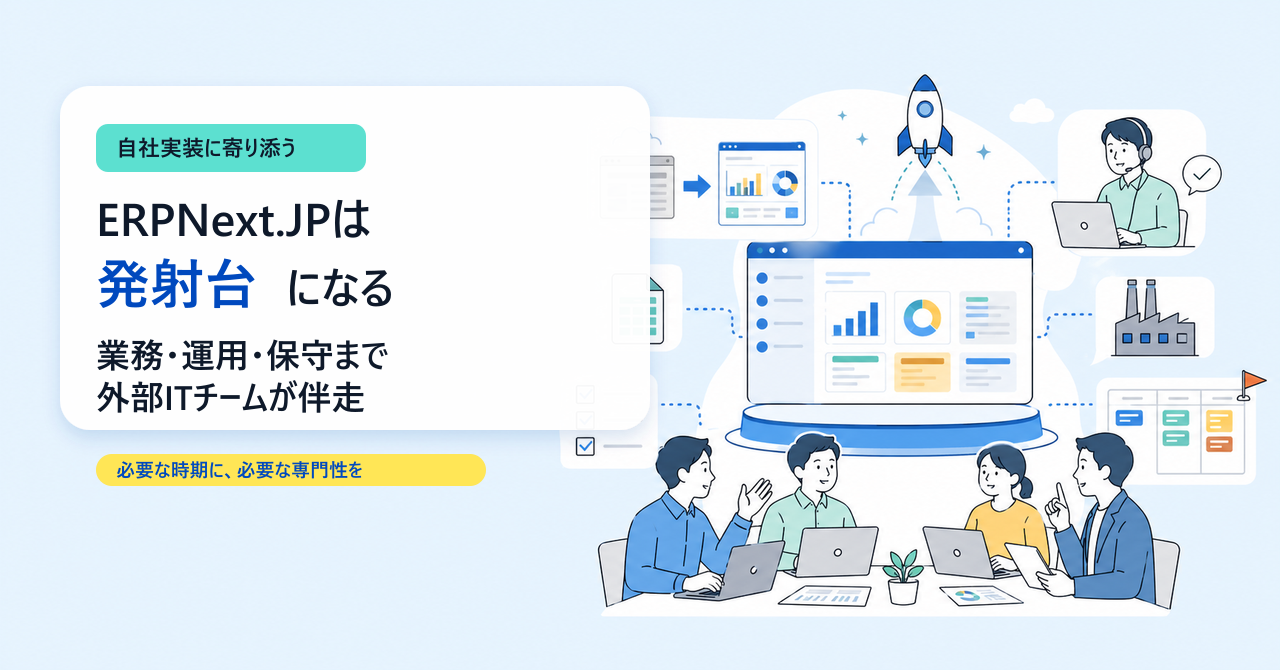
ERPNext.JP is a launching pad for utilizing ERPNext in a way that suits the practical needs of Japanese companies.
The value of MY HATCH is not simply in delivering source code.
What's important is to work together to create a design that goes beyond the source code, encompassing business processes, operations, migrations, and maintenance.
For example, the following areas:
- How to incorporate on-site ingenuity that remains outside the system?
- To what extent should we integrate with Excel and existing systems, and at what point should we shift towards the ERP system?
- How to translate factory floor requirements into screens, forms, and input workflows.
- In what order, and starting with which data, should the transition from the old to the new system be carried out?
- How to support those on the ground during the chaotic period after the transition
- In what order should we prioritize the ever-increasing demands for AI and in-house development?
These areas cannot be solved with code alone.
When implementing an ERP system, it's necessary to carefully examine things like the language used by the users, the order of tasks, exception handling, permissions, the history of changes, and how it will work with existing operations.
This is where our implementation track record and deep understanding of Frappe/ERPNext come into play.
In the age of AI, when implementing ERP systems, it's sometimes safer to start small using external partners rather than suddenly increasing the number of IT staff.
We utilize the necessary expertise when needed, while retaining know-how within our company. We nurture our core systems without incurring excessive fixed costs.
ERPNext.JP is the launching pad for that purpose.
9. In this age of AI development, a partner who understands the fundamentals is essential.
AI has undoubtedly accelerated the development of business systems. This presents a huge opportunity.
However, at the same time, the risk of "using something in a real-world setting without understanding it" is also increasing.
It has an interactive screen. You can register. You'll receive notifications. So it's fine.
Even if it appears that way, if you don't have visibility into multiple users, exceptional tasks, permissions, change history, external integrations, master data changes, and maintenance systems, you'll quickly run into limitations in a production environment.
MY HATCH is not rejecting AI development.
Rather, precisely because we live in an era where AI accelerates development, I believe it's crucial to have the ability to clearly define what to include as standard features, what to extend, and what not to create.
We provide comprehensive support, from deep understanding of Frappe/ERPNext to design, authorization, audit trails, and maintenance.
In the age of AI, in-house development doesn't mean "handling everything in-house."
It's about having a system in place that allows you to use the necessary technology, when you need it, and in the amount you need.
ERPNext.JP serves as a practical launching pad for in-house implementation in the age of AI development, allowing you to start from scratch without getting lost.
Related articles
![[Free & Open Source] How to set up ERPNext in Japanese in 5 minutes — ERPNext.JP Starter released (v16, Docker, MIT)](/images/documents/erpnext-jp-starter/hero-5min.png) 6 min
6 min[Free & Open Source] How to set up ERPNext in Japanese in 5 minutes — ERPNext.JP Starter released (v16, Docker, MIT)
ERPNext's Japanese starter, "ERPNext.JP Starter," is now available on GitHub. It launches Frappe/ERPNext v16 in 5 minutes using a Docker container, includes 17,739 translation dictionary entries tailored to Japanese business practices, and is licensed under the MIT license. Compatible with both Windows and Mac, it provides easy-to-follow instructions even for those unfamiliar with IT.
 9 min
9 minCan you really implement your system using the free ERPNext? — An honest evaluation using a 45-item rating system.
ERPNext is globally recognized as a "free, open-source ERP," but there are areas where the original standard alone is insufficient to fully implement it in the operations of Japanese companies. This 45-item rating chart visualizes the gap between the ERPNext standard and ERPNext.JP, and honestly explains three common pitfalls in the age of AI development, as well as the perspectives necessary to move forward with implementation.
![Average Costs for ERP Implementation [2026 Edition]: Includes a Comparison Table of All 11 Products](/images/documents/implementation/erp-cost-guide/erp-cost-guide-hero.png) 7 min
7 minAverage Costs for ERP Implementation [2026 Edition]: Includes a Comparison Table of All 11 Products
The typical cost of implementing an ERP system in a manufacturing company with 30 employees is between 2 million and 15 million yen over 5 years (Total Cost of Ownership). This guide includes a comparison table of three types (cloud, on-premise, and open-source), a cost list for 11 major products, and a 15-item checklist to prevent budget overruns.