
View inventory in an Excel-like format — ERPNext.JP's inventory status inquiry screen
Introducing an inventory inquiry screen that's intuitive even for those familiar with Excel. The item x warehouse matrix display visualizes inventory status in real time.
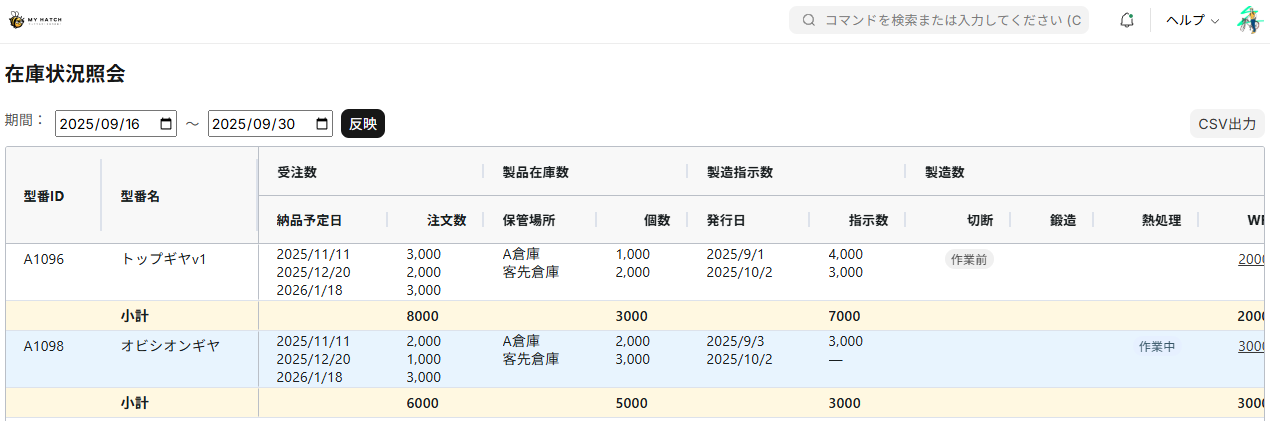
Good news for those who manage order numbers and production quantities using Excel!
The era has finally arrived where you can implement that ERP system for just 30,000 yen per month.
Moreover, with an Excel-like interface, you can easily check the status from order placement to manufacturing and inventory on a single screen.
No longer like other systems, There's no need to open multiple screens and use a calculator to perform subtractions on a hard-to-read screen.
What is the inventory status inquiry screen?
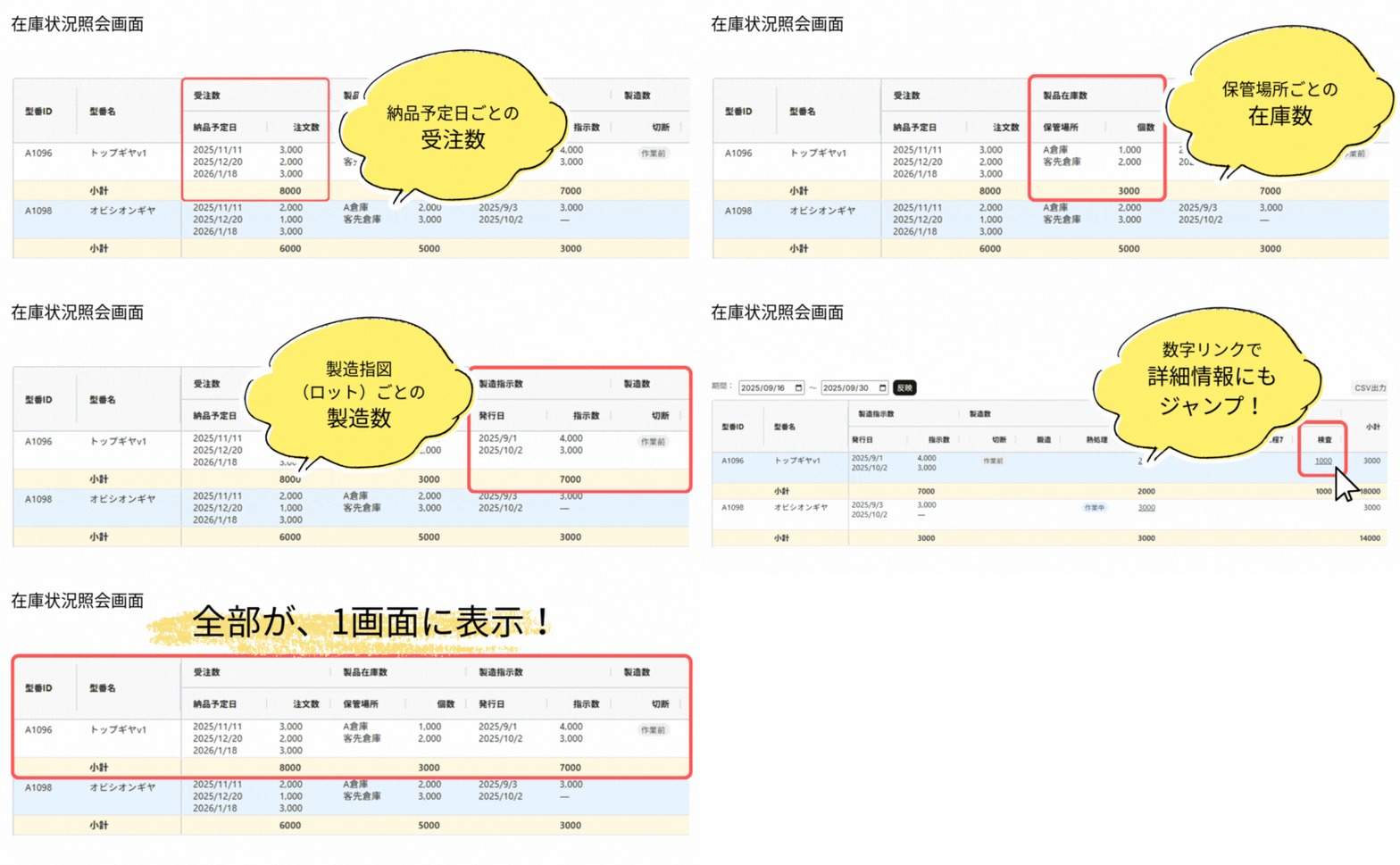
One of the features that has been well-received in ERPNext JP is the "Inventory Status Inquiry Screen". By opening this screen, you can centrally view all of your sales information, inventory information, and production status.
- Check the numerical values for each model number side by side.
🔶 You can view the "number of orders," "number of items in stock," and "number of items to be manufactured" side-by-side for each model number.
-
Anyone—sales representatives, production managers, or shipping personnel—can grasp the necessary figures at a glance.
-
You no longer need to search across Excel files as before; the latest information is reflected in real time.
-
Click the number to torque down to who is scheduled to be in charge
-
Progress is reflected in real time
With an Excel-like interface, you can easily check the status from order placement to manufacturing and inventory on a single screen.
👉 Isn't it time to move beyond "Excel management"?
What ERPNext JP can solve
With ERPNext JP, which can be implemented from 30,000 yen per month, A modern management system that allows you to grasp everything from orders to inventory at a glance can be implemented in your factory as well. There's no need to switch between multiple Excel files or screens as you would have in the past.
⌛ Streamlining Sales Activities
- Previous challenges: Quotations were created on paper or in Excel, and management after submission was fragmented.
- With ERPNext JP: Quotations are issued on the spot, and after an order is received, it is automatically linked to manufacturing. No manual data entry is required.
👀 Visualization of the production process
- Previous challenges: It is unclear which stage of the process a part is in, and it takes time to find the person in charge.
- With ERPNext JP: Real-time display of processes and personnel responsible for each component. Material shortages can be identified immediately, preventing procurement delays.
🚀 Speeding up business decision-making
- Previous challenges: Inventory, orders, and manufacturing data had to be cross-referenced using separate systems or Excel spreadsheets, which made decision-making time-consuming.
- With ERPNext JP: You can get an overview of the whole picture on a single screen, enabling quick decision-making based on production capacity and inventory status.
summary
With ERP Next JP,
Maintaining an Excel-like appearance,
By unifying sales, production, and shipping, you can eliminate waste in your operations.
Please feel free to contact us for a free consultation. We'll help you take the first step towards moving beyond Excel-based management in your workplace. 🚀
Related articles
 8 min
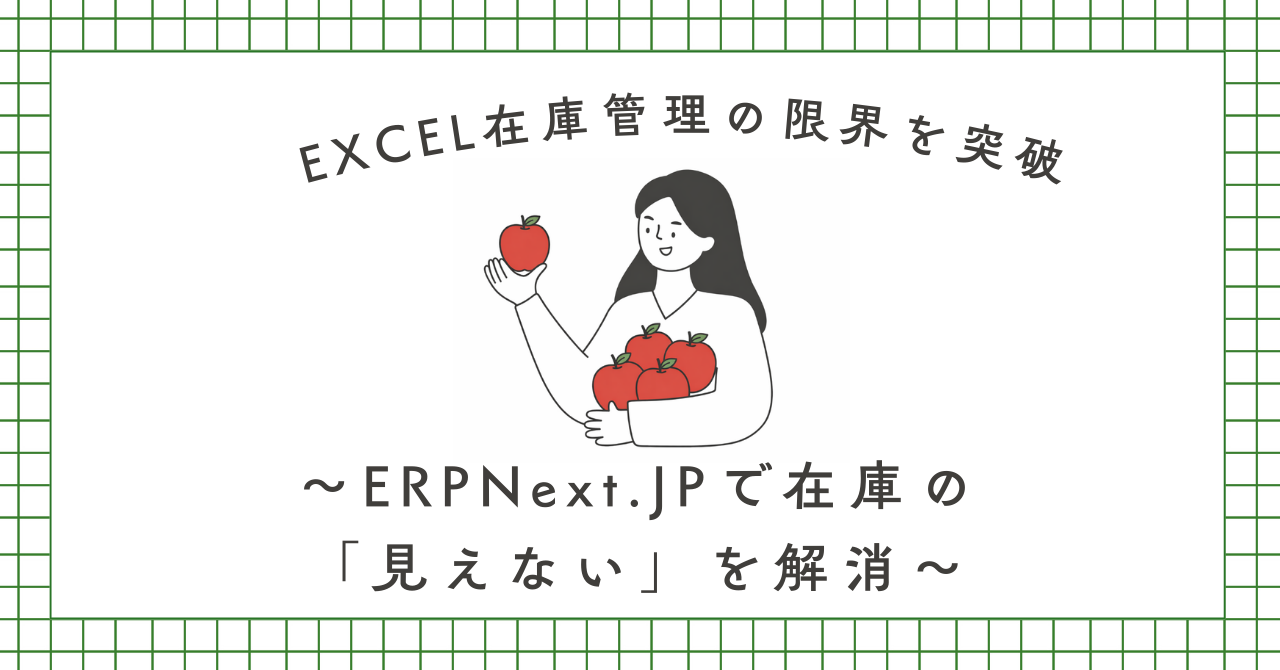
8 minBreaking the Limitations of Excel Inventory Management — Eliminating the "Invisibility" of Inventory with ERPNext
Inventory discrepancies, taking a whole day to complete inventory counts... This article explains how ERPNext.JP solves these problems, from its overall functionality to the benefits of implementation.
 5 min
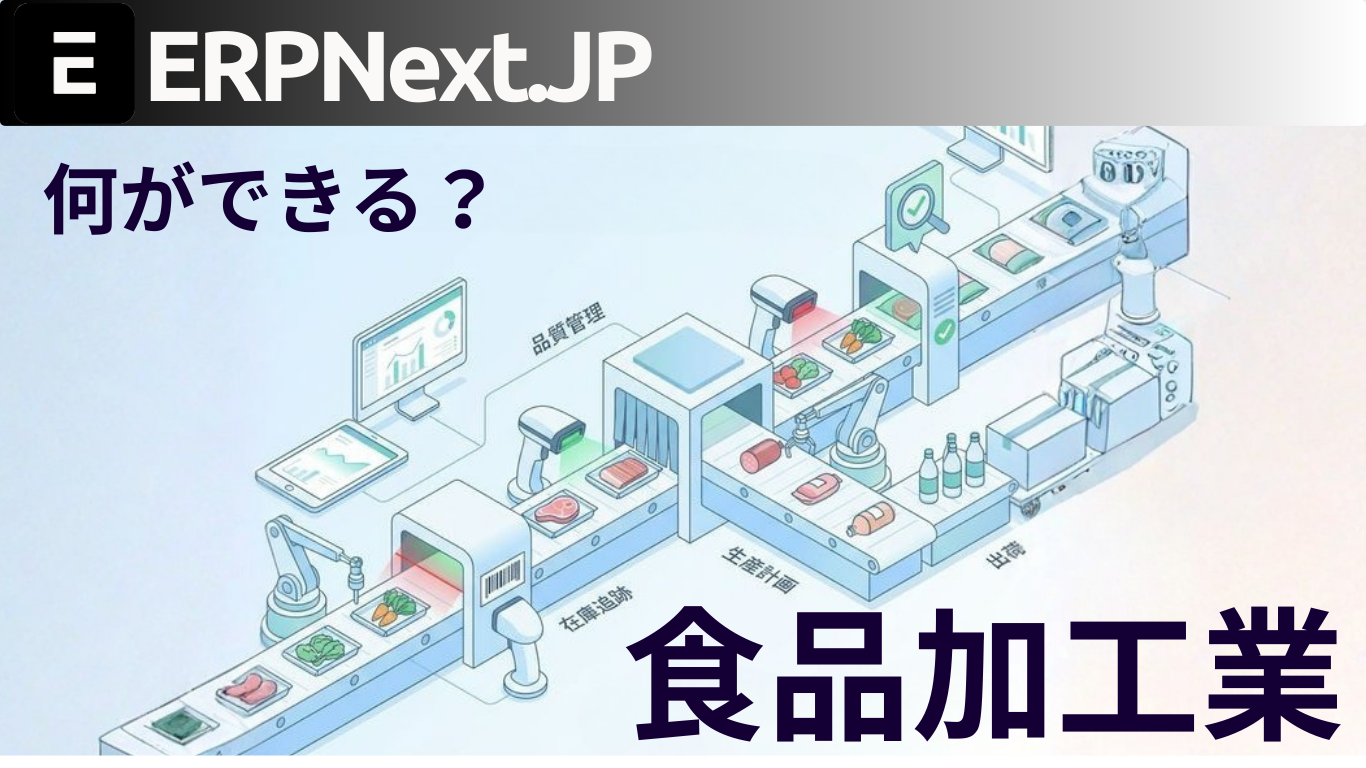
5 minFrom order placement to shipment, everything is visible. Integrated ERP for the food processing industry.
This article explains the features of ERPNext.JP, which is specifically designed for the food processing industry. It supports FAX-OCR order import, barcode data entry, lot tracking, and monthly cost calculation as standard features, plus Japanese specifications.
 8 min
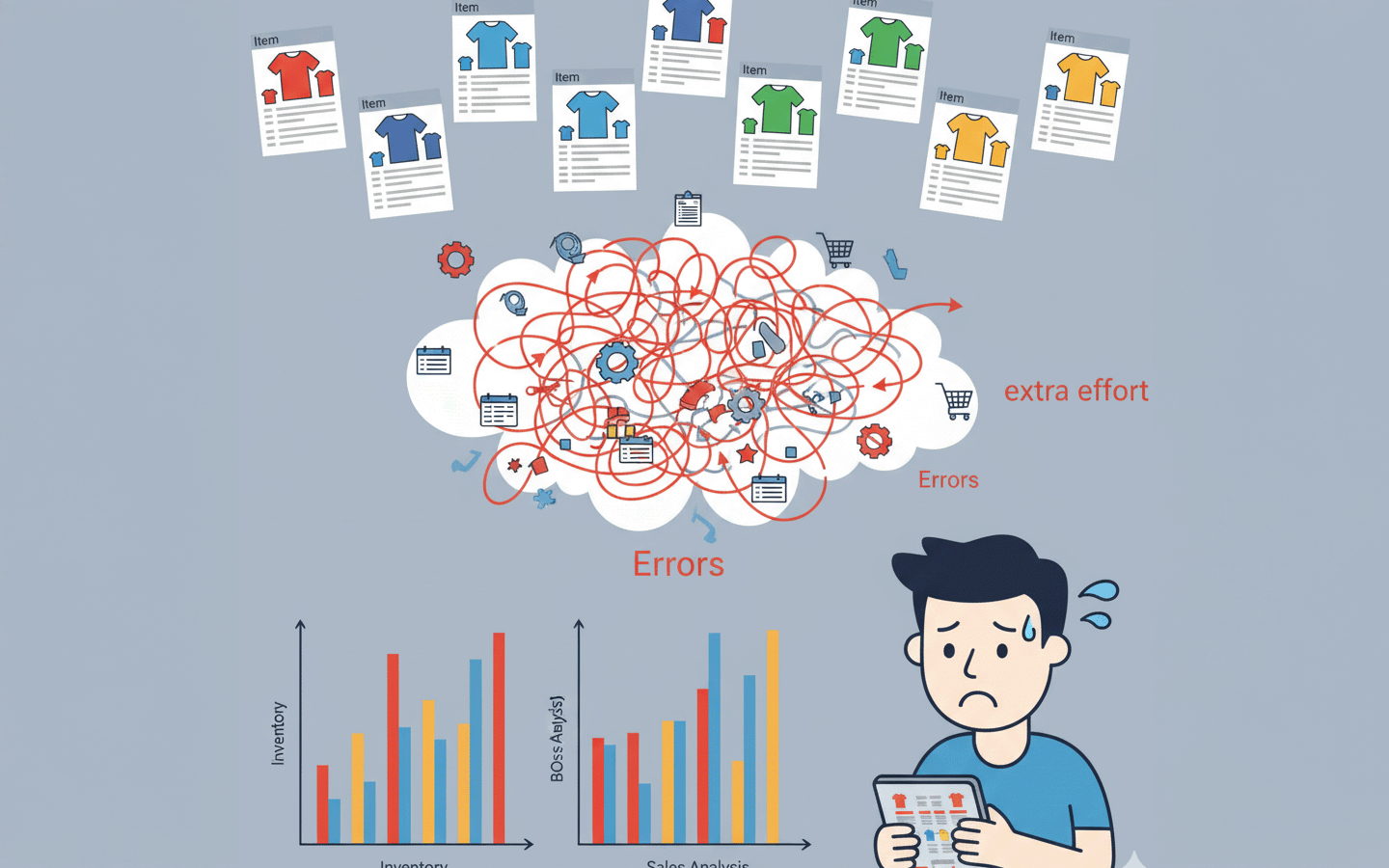
8 minCentralized management of size and color variations — How to use the item variant function
How to manage variations in size, color, and specifications of the same product using ERPNext? This guide explains the setup procedure and operational tips for the variant function, complete with screenshots.