
A thorough comparison of 5 free ERP systems [2026 Edition]
We've carefully selected five free ERP systems and compared their features, costs, Japanese language support, and limitations in a comprehensive overview. For those searching for "free ERP" or "open-source ERP," we'll clearly explain how to choose the right one to avoid making mistakes.
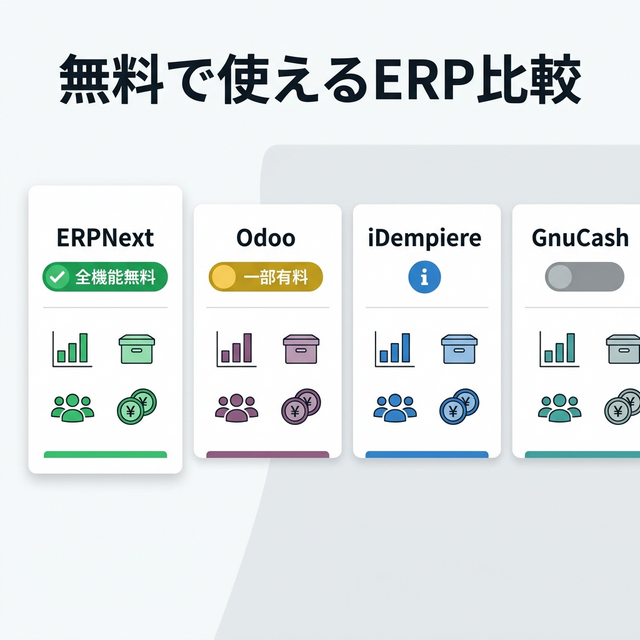
Are you looking for a "free ERP" solution?
"We want to implement an ERP system, but we can't afford to spend several million yen." If you're a small business owner or IT manager, you've probably searched for "free ERP" at some point.
Actually, there are several ERP systems available that you can use for free. However, the content of these "free" offers varies greatly.
This article thoroughly compares five representative free ERP systems to help you decide which one to choose.
Let's learn about the three types of "free" services
| Type | Meaning | Representative Example |
|---|---|---|
| ① Completely Free (OSS) | Zero license fees. All features are free. | ERPNext |
| ② Freemium | Basic features are free, but features necessary for practical use are paid. | Odoo |
| ③ Trial Version | Limited time and number of users | Compatible with some domestic ERP systems |
Top 5 Comparison Chart
| ERPNext | Odoo CE | iDempiere | OFBiz | GnuCash | |:---|:---|:---|:---|:---|:---| | Free Type | ① Completely Free | ② Freemium | ① Completely Free | ① Completely Free | ① Completely Free | | License | GPLv3 | LGPL (CE version only) | GPLv2 | Apache 2.0 | GPLv3 | | Target Size | Small to Medium-Sized Enterprises | Small to Large Enterprises | Medium to Large Enterprises | Medium to Large Enterprises | Individuals to Small Businesses | | Sales, Purchase, and Inventory | ✅ | ✅ | ✅ | ✅ | ❌ | | Materials Management (MRP) | ✅ | ⚠️ Basics only | ✅ | ✅ | ❌ | | Accounting | ✅ | ✅ | ✅ | ✅ | ✅ (Accounting Specialist) | | Japanese UI | ✅ Fully supported | ⚠️ Some parts untranslated | ⚠️ Partially translated | ❌ English-centric | ✅ | | Invoice System | ✅ Standard Compliance | ❌ | ❌ | ❌ | ❌ | | Number of Users | Unlimited | Unlimited | Unlimited | Unlimited | - | | Suitable for | Beginners to Engineers | Beginners to Engineers | Developers | Developers | Beginners | | Implementation Support in Japan | ERPNext.JP | Multiple Partners | Few | Almost None | - |
Features and points to note for each ERP system
ERPNext — Fully functional and available in Japan.
ERPNext is a fully open-source ERP system under the GPLv3 license. Accounting, sales, purchasing, inventory, manufacturing, human resources—all modules are license-free and have unlimited users.
Strengths:
- All 13 modules are free. No worries about "additional charges" later.
- Based on Python/JavaScript, it has excellent compatibility with AI (3x development efficiency).
- ERPNext.JP (MyHaTch) offers full Japanese language support, invoice system compliance, and consumption tax support.
Note:
- For self-hosting, server fees (from 2,000 yen per month) are required separately.
- Primarily an English-based community (Japanese-language information is growing).
With ERPNext.JP, own the source outright
The full source code is handed over: own it as your asset and use it as a launchpad for AI-driven in-house development. If you want us to run the servers too, an optional managed cloud plan with unlimited users is available, and the price stays the same even as your headcount grows. Contact us for pricing.
Odoo CE — High functionality, but with a "free version barrier"
While it's the most well-known open-source ERP system in the world, there's a significant caveat to the "free" aspect.
Strengths:
- Modern UI, rich app ecosystem (over 40,000)
- Includes a built-in website builder and e-commerce functionality.
Pitfalls:
- The Community Edition (free) does not include quality control, advanced MRP, or no-code development (Studio).
- The Enterprise version (paid) is required the moment you add a second app.
- The Enterprise version is charged per user (¥180,000 to ¥270,000 per month for 50 users).
- Compliance with Japan's tax system and invoice system requires customization on your own.
⚠️ Odoo's "free" version is only an entry point. To fully utilize the features usable for practical work, the Enterprise version (paid) is required. For details, see below. ERPNext vs Odoo thorough comparison Please take a look.
iDempiere — Robust but difficult to implement
This is a full-fledged Java-based ERP that follows in the footsteps of the old Compiere/ADempiere.
Strengths:
- Robust architecture for large enterprises
- The accounting function is extremely powerful (supports multiple currencies and multiple locations).
Note:
- Customization is difficult unless you are a Java developer.
- The UI is outdated, and the learning curve for on-site staff is steep.
- Japanese language support is only partial, and adaptation to Japanese business practices requires in-house development.
- The community is shrinking.
Apache OFBiz — For companies with technical expertise
It's an open-source ERP system managed by the Apache Foundation, and it's completely free.
Strengths:
- The Apache 2.0 license offers the fewest restrictions.
- Fully equipped with enterprise-grade features
Note:
- Japanese UI is almost completely unsupported, and documentation is English only.
- Advanced Java technical knowledge is required for implementation.
- There are virtually no implementation examples or support partners in Japan.
GnuCash — Simple for just accounting
This is not an ERP system, but rather free accounting software. However, I've included it because some people who search for "free ERP" may only need accounting software.
Strengths:
- Easy to install and use right away.
- Supports double-entry bookkeeping and allows for basic consumption tax calculations.
Note:
- Cannot manage sales, purchasing, inventory, or manufacturing (Accounting-focused)
- Not suitable for simultaneous use by multiple people.
- Inability to expand in line with the company's growth
💡 GnuCash is "accounting software," not an ERP system. This listing is for those who "just need accounting software." If you want to manage sales, inventory, and manufacturing all in one place, please choose from the four options above.
So, which one should I choose?
Just need to pay? → GnuCash (ready to use immediately)
Want to manage sales, inventory, and manufacturing all in one place?
→ Requires Japanese language support and invoice functionality → ERPNext (All functions free, Japanese language support)
→ Want to try it out with a small group first → Odoo CE (but be aware of its limitations)
→ We have Java developers in-house → iDempiere or OFBiz
Comparison of total costs over 5 years (for 30 users)
Before jumping at something just because it's "free," let's take a look at the total cost over 5 years.
| ERP Next.JP | Odoo Enterprise | SAP Business One | In-house developed | |
|---|---|---|---|---|
| Initial Costs | Full source handed over (own it) — contact us for pricing | 1 million yen and up | 5 million yen and up | 10 million yen and up |
| Monthly (running) | No monthly license fee (optional maintenance subscription) | 180,000-270,000 yen | 500,000 yen and up | Maintenance 100,000 yen and up |
| Total for 5 years | Initial cost + optional maintenance only (contact us for pricing) | 11.8 million to 17.2 million yen | 35 million yen and up | 16 million yen and up |
| User billing | None (unlimited — owned via source handover) | Yes (number of users x unit price) | Yes | No |
- With ERPNext.JP, after the initial implementation only optional maintenance remains. Per-user billing is zero and unlimited — with no runaway per-user billing like Odoo/SAP. Contact us for pricing.
ERPNext — unlimited users and source ownership win long term
If you want to distribute accounts to part-time workers, temporary staff, and partner companies, ERPNext — unlimited users, owned via source handover — is overwhelmingly advantageous.
🚀 Why not try it for free for 14 days?
A demo environment for ERPNext.JP can be issued in just one minute. No credit card is required, and it's fully supported in Japanese.
Related Articles
Is the security of free ERP systems adequate?
Open-source ERP systems have the advantage of faster vulnerability discovery and fixation because their source code is publicly available. ERPNext.JP Cloud also comes standard with SSL encryption, regular backups, and access control.
Can ERPNext be used completely free of charge on our own servers?
Yes. Because it uses a GPLv3 license, there are no license fees whatsoever if you install it on a VPS or similar platform. You can use it for only the server fee (starting from around 2,000 yen per month). For more details, please see the "ERPNext.JP Cloud Implementation Cost Guide".
Can I switch from a free ERP system to a paid ERP system later?
It is possible, but data migration will incur costs. ERPNext is free from the start with all its features, so even if you start small, you won't have to pay later.
Can it be used even by people who aren't tech-savvy?
ERPNext features a user interface that's as easy to use as Excel. For initial setup, support is helpful, so we recommend a service with Japanese language support, such as ERPNext.JP (MyHaTch).
Summary — How to Choose a Free ERP System
| Needs | Recommendations |
|---|---|
| Want to use it in Japanese + All features free | ERPNext (ERPNext.JP) |
| I just want to start with accounting | GnuCash |
| Want to try out a modern UI with a small team? | Odoo CE (Note the feature limitations) |
| Large-scale with a Java environment | iDempiere |
If you're unsure, we recommend the 14-day free trial of ERPNext.JP.
Full functionality, unlimited users, and full Japanese language support. You can cancel anytime if it doesn't suit you.
Related Articles
- What is Open Source ERP? A thorough comparison of its mechanisms, benefits, and five major products. - ERPNext in 3 Minutes — An Overview of Open Source ERP - ERPNext vs. Odoo: A Thorough Comparison — Which Free ERP System Should You Choose? - Breaking the Limits of kintone — A Complete Guide to Migrating to ERPNext - How much does it cost to get started? — ERPNext.JP Cloud Implementation Cost Guide - [Case Study Revealed] ERP Implementation Costs in Real Figures
Related articles
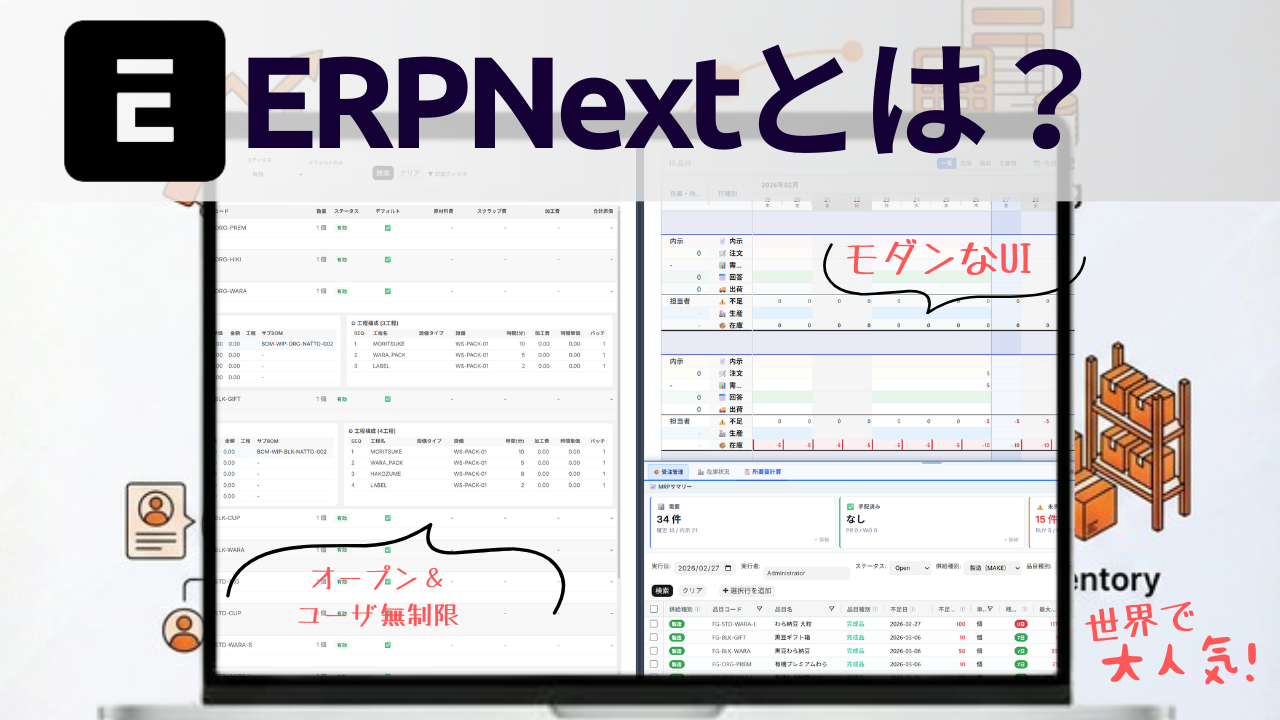 8 min
8 minUnderstand ERPNext in 3 minutes — the big picture of an open-source ERP
What ERPNext is and what business areas it covers, in three minutes. We cover module structure, how to read the official docs, and how to get started — pitched at first-time visitors.
![ERPNext vs Odoo Comparison [2026]: Differences, Cost, and Manufacturing Fit of Free ERP](/images/documents/solution/erp-comparison/erpnext-vs-odoo-hero.png) 12 min
12 minERPNext vs Odoo Comparison [2026]: Differences, Cost, and Manufacturing Fit of Free ERP
Compare ERPNext and Odoo on cost, licensing, Japanese localization, manufacturing features, and customizability. We break down Odoo Community/Enterprise vs ERPNext.JP for SMB ERP selection.
 7 min
7 minERPNext.JP Implementation Cost Guide | Own the Source as Your Asset
We reveal ERPNext.JP's cost structure: the full source code is handed over so you own the system as your asset. Includes a comparison of four major ERP systems. Contact us for pricing.